Odin is one system for building software with clients. Stakeholders review real screens, plans cite what they decided, sprints run on the same projects, and a bug reported on the live site comes back as a pull request.

Follow one project around the loop.

Harbor & Pine, an outdoor retailer, wants customers to start returns online. Here is that project in Odin, from the first conversation to the fix for its first bug.

Harbor & Pine is a sample client. The screens are drawn from Odin's own.

Step 1: Describe the project. Odin drafts the brief.

Start with a conversation in the AI Workspace, or write it yourself. The brief has eleven fields, from objective to success metrics, and every later step points back to it.

  • Eleven structured fields
  • Edits are version-checked
  • Agents can read and update it over MCP
The AI Workspace, docked beside the project, writes the brief from a short description. The reply lists the change with Undo.

Step 2: Odin asks what the brief leaves open.

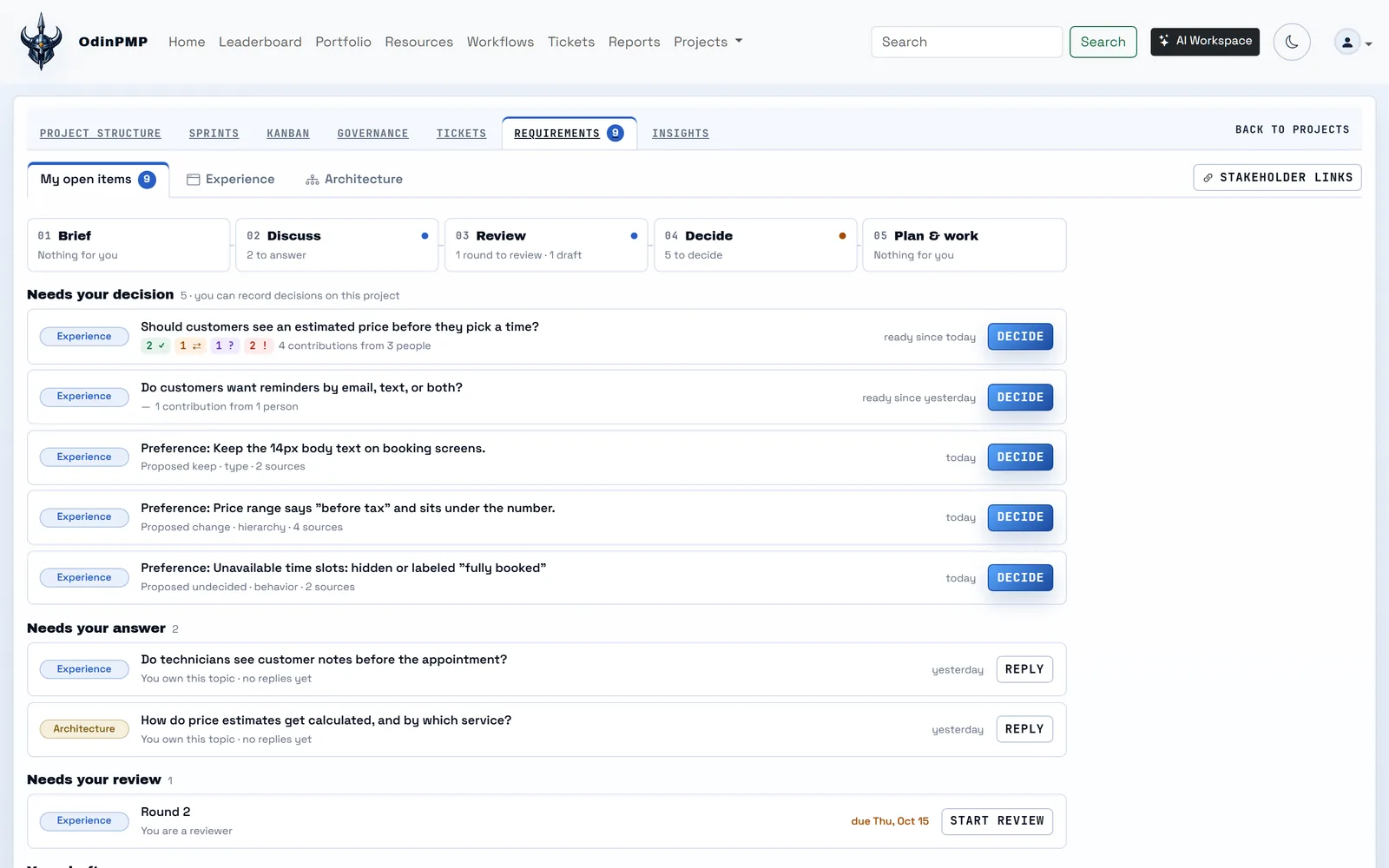
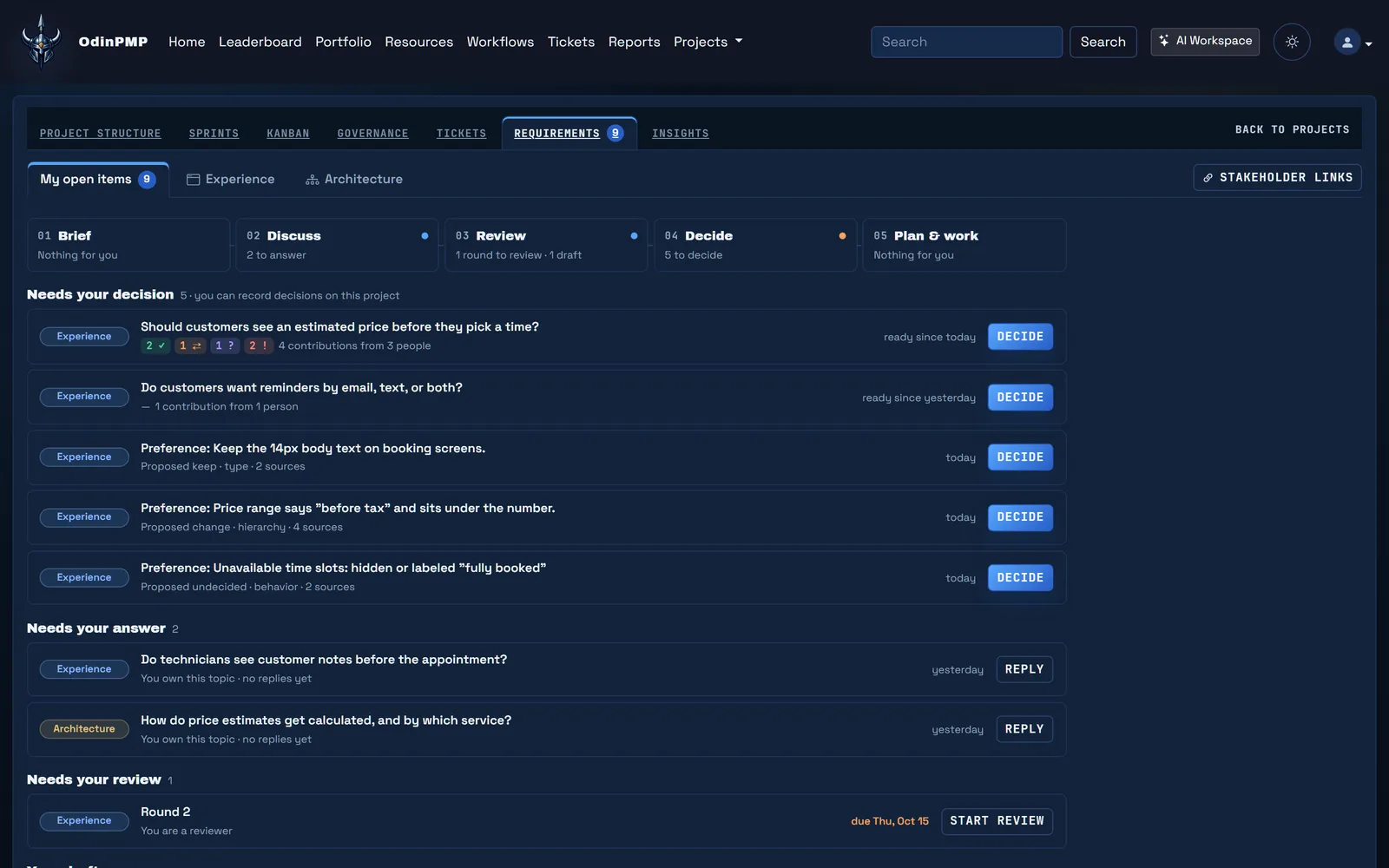
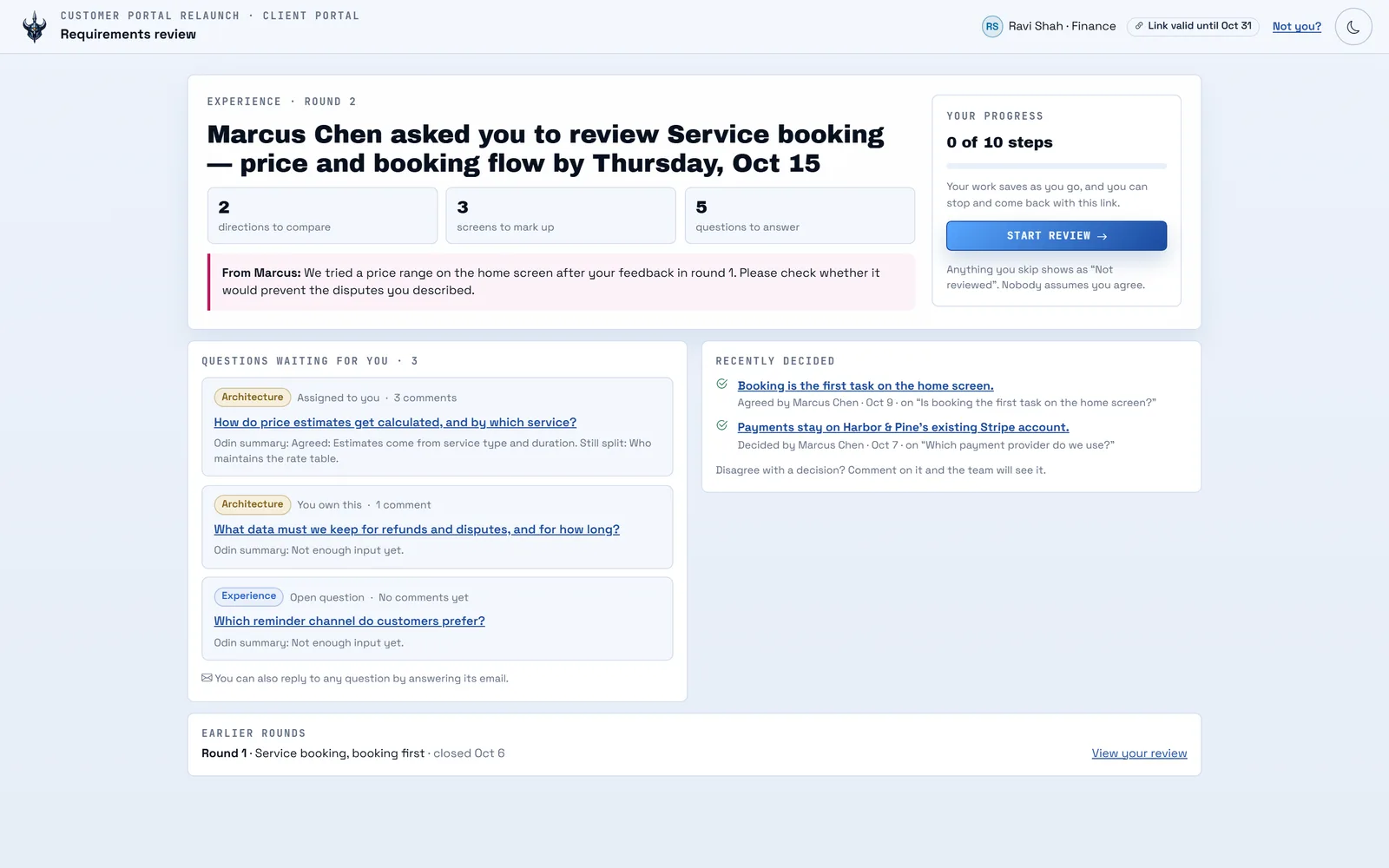
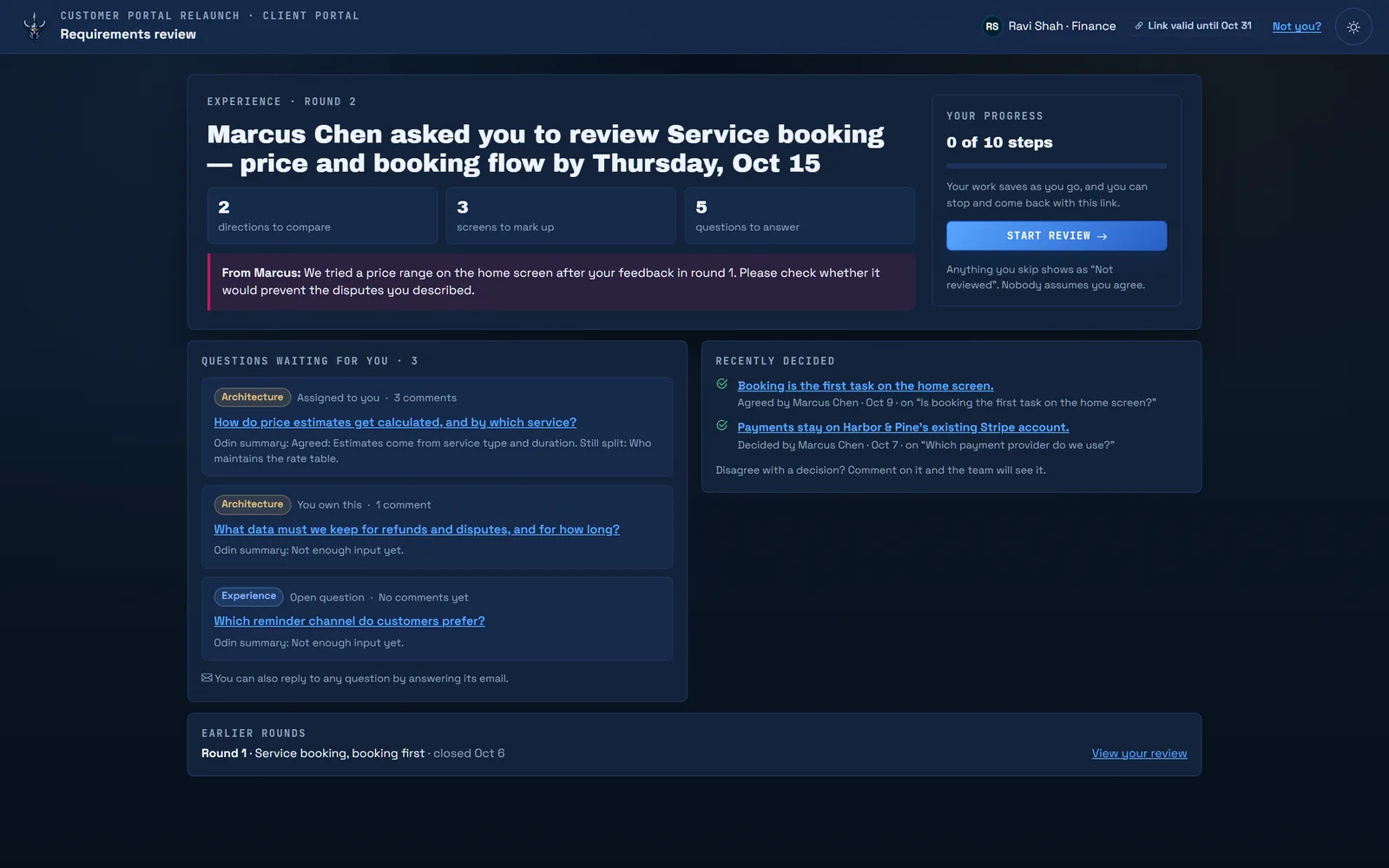
It drafts up to twelve requirements questions at a time, each tied to the brief line it came from. Stakeholders answer through a private link, with no account to create, or by replying to the email.

  • Experience and Architecture tracks
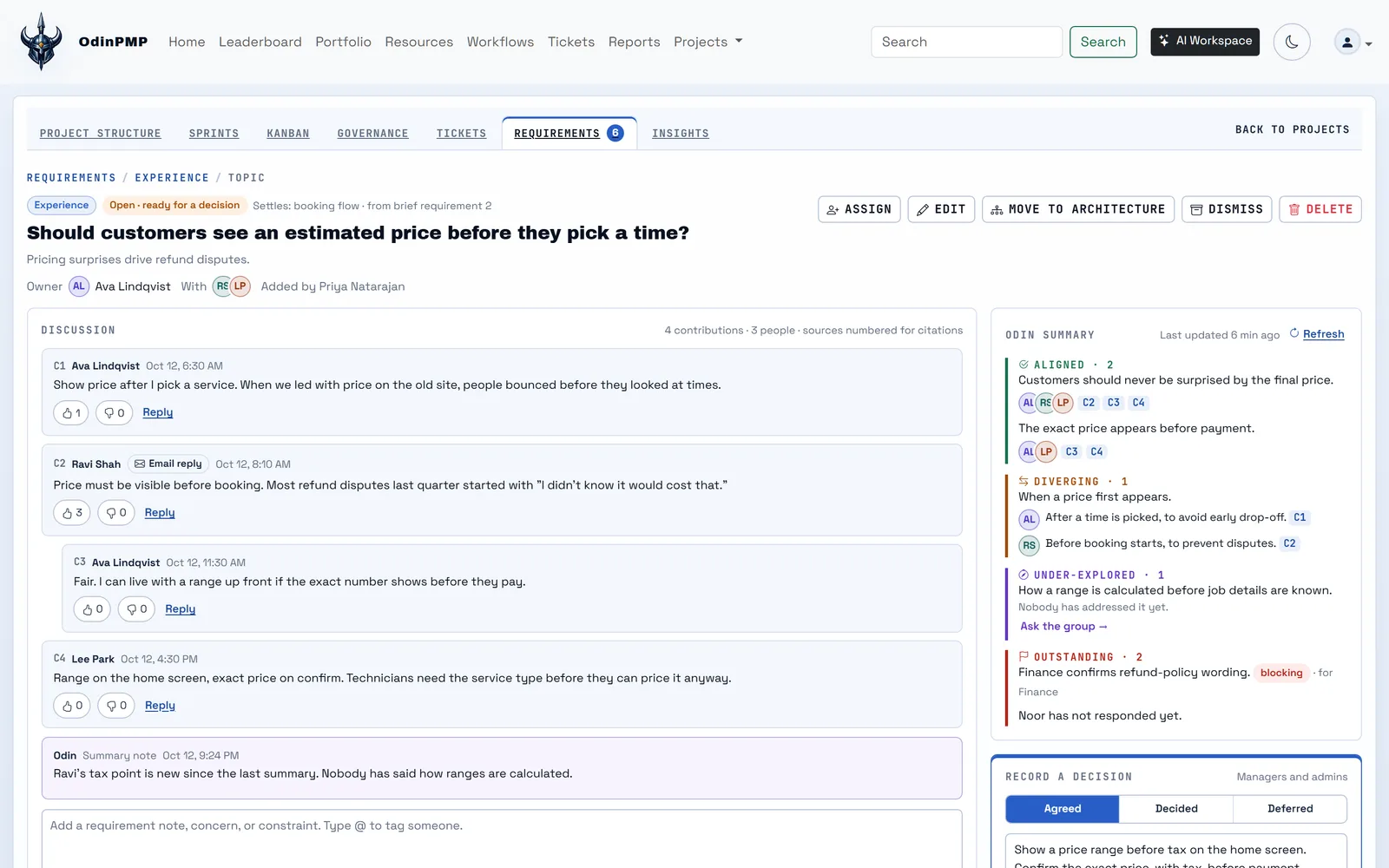
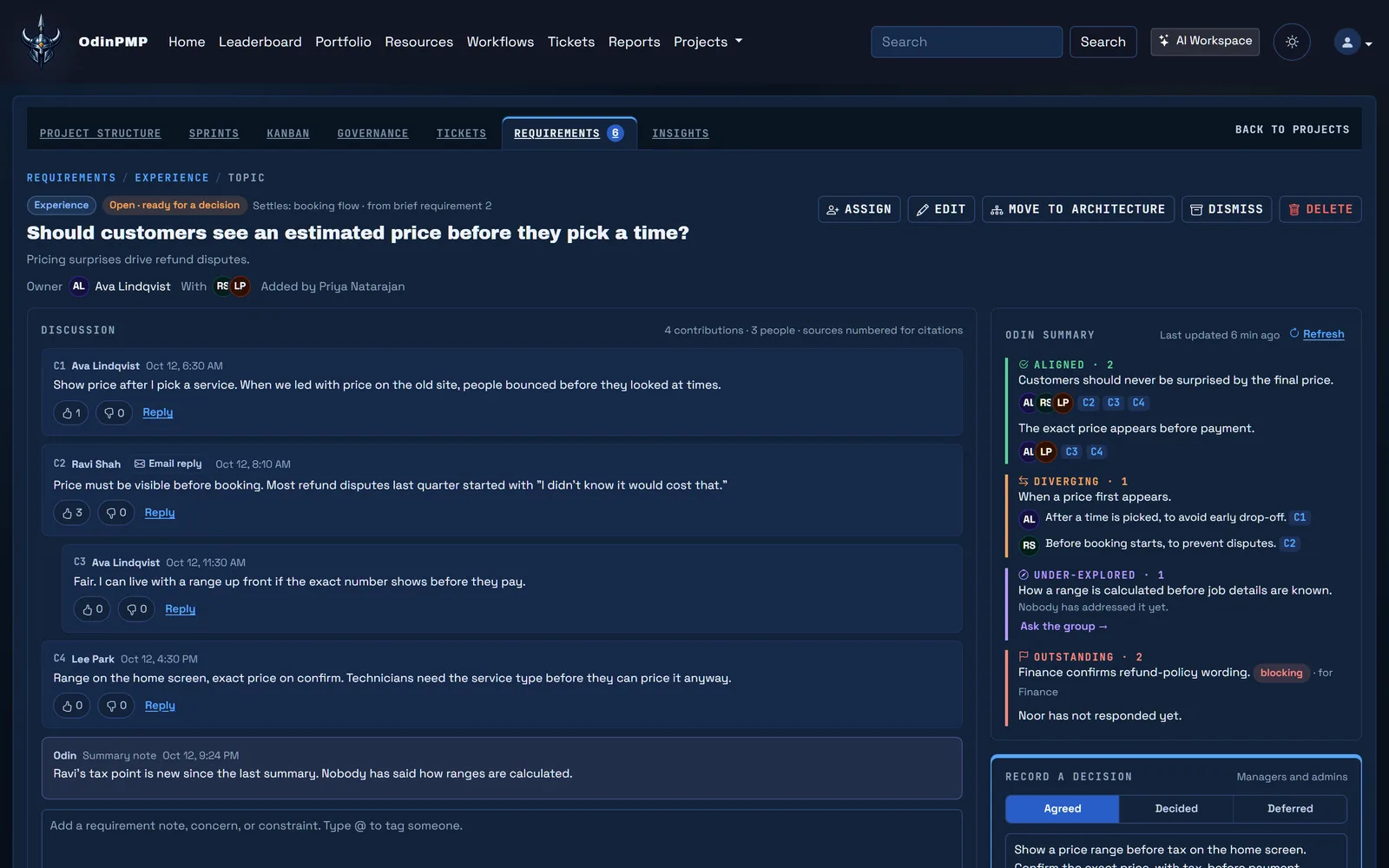
  • Summaries cite the comments they come from
  • @ tags send one digest, not ten emails
Odin drafts requirements questions, each tied to the brief line it came from, and summarizes the discussion.

Step 3: Stakeholders review real screens.

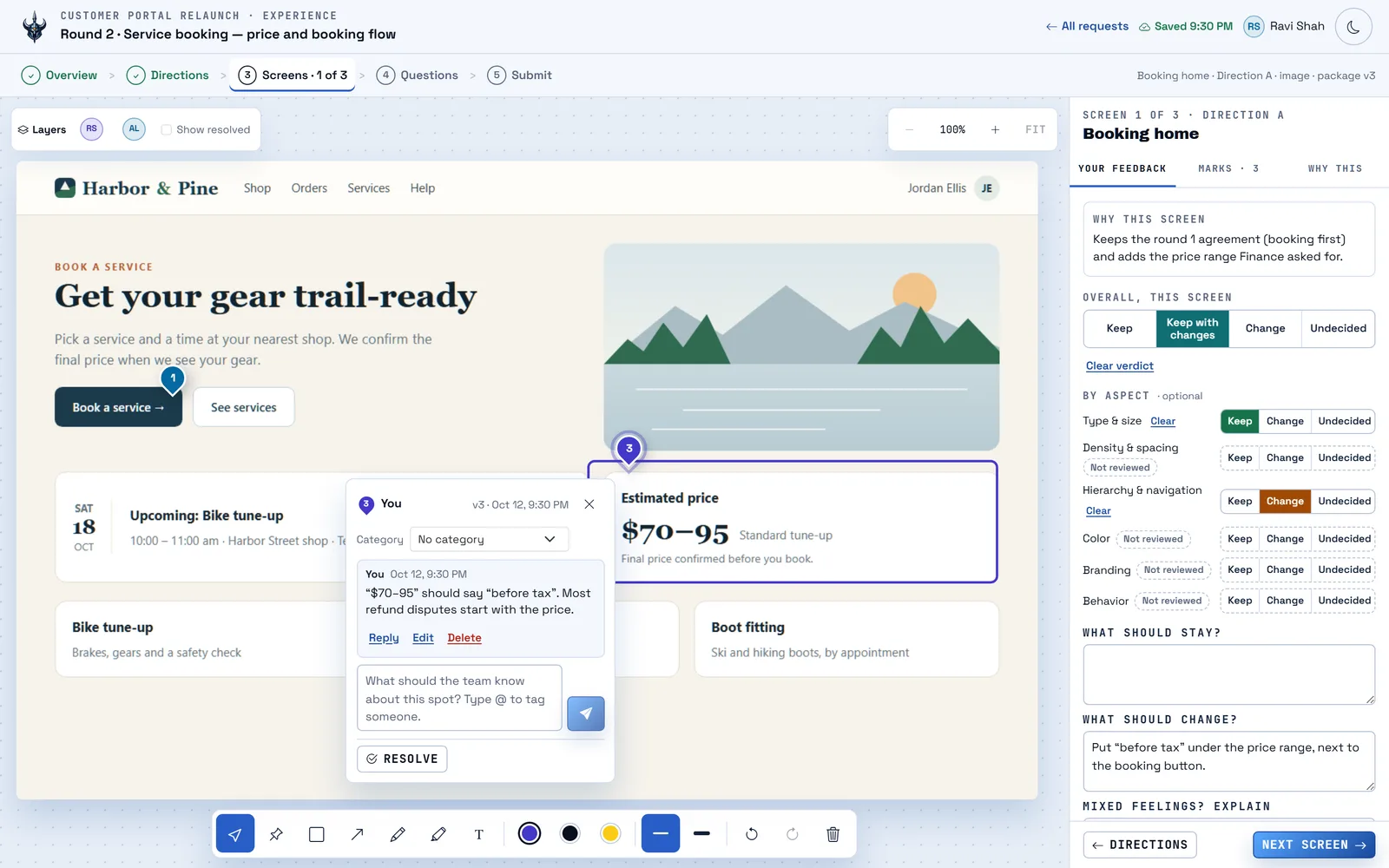
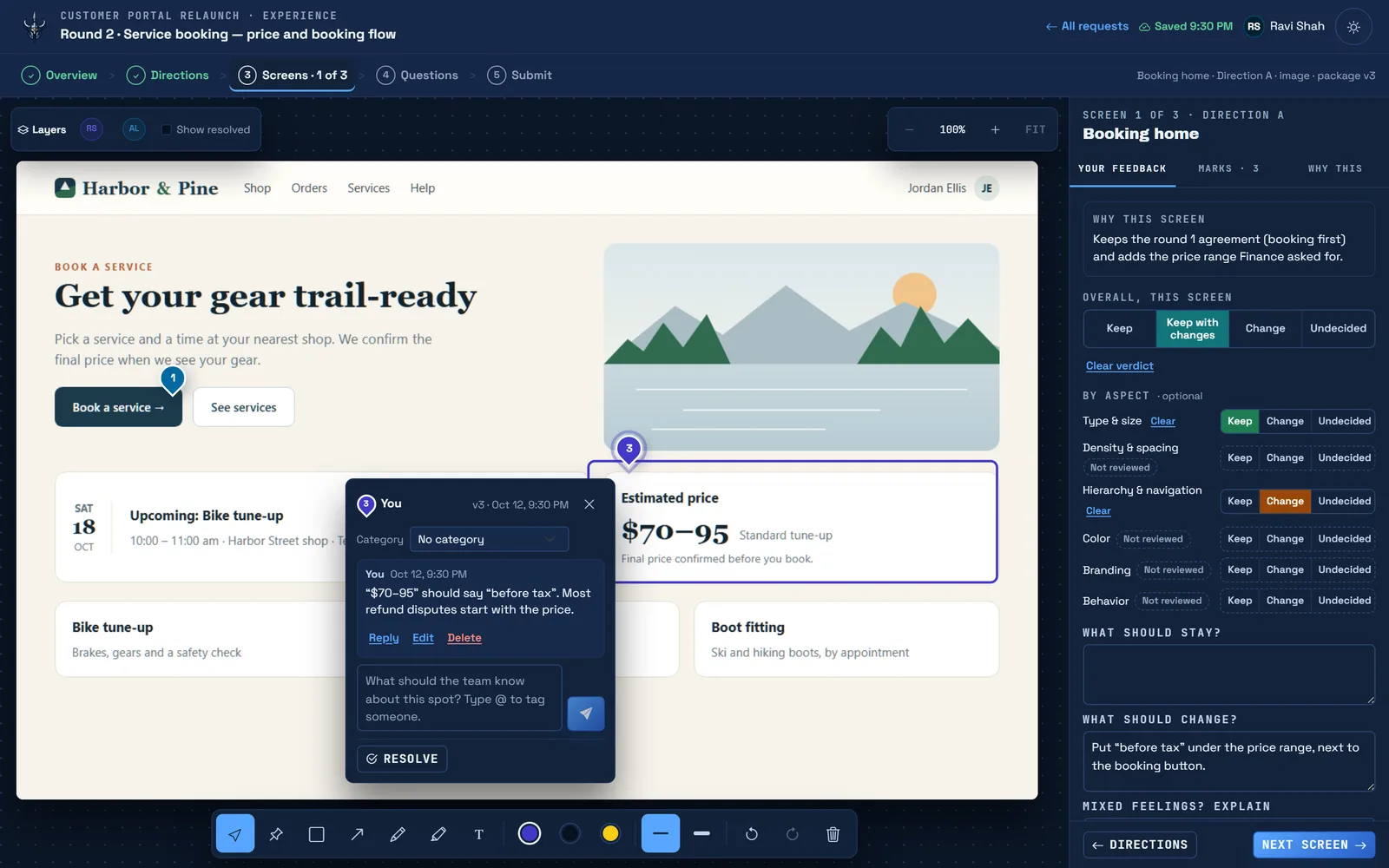
A coding agent builds a review package of screenshots and clickable prototypes. Reviewers step through it, mark up each screen and give it a verdict. Progress saves as they go.

  • Pins, boxes, arrows, pen, highlights and text
  • Marks carry forward to the next version
  • Prototypes run on a sandboxed host
A stakeholder steps through a guided review, marks up a prototype screen and gives it a verdict.

Step 4: Decisions get a number and their sources.

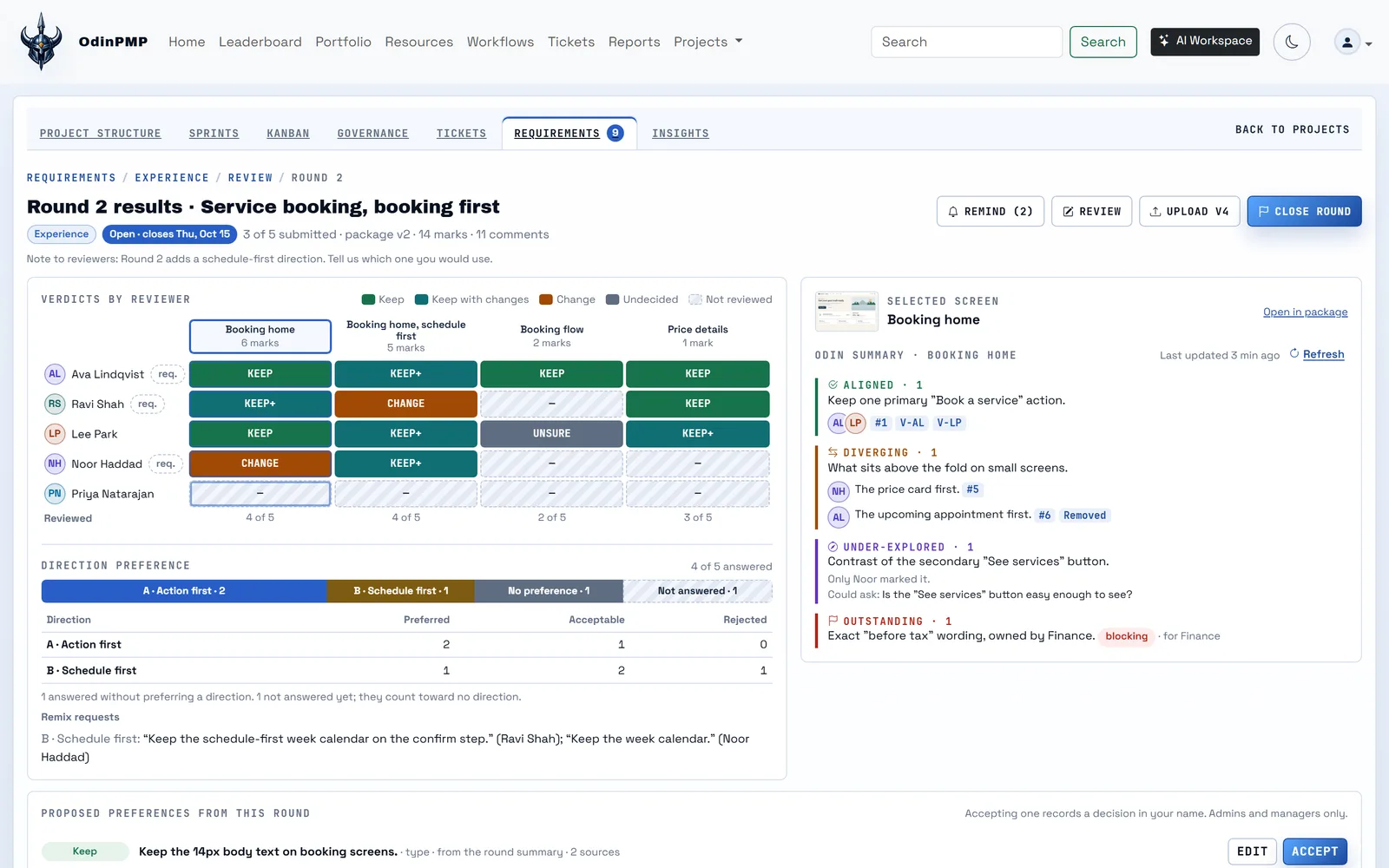
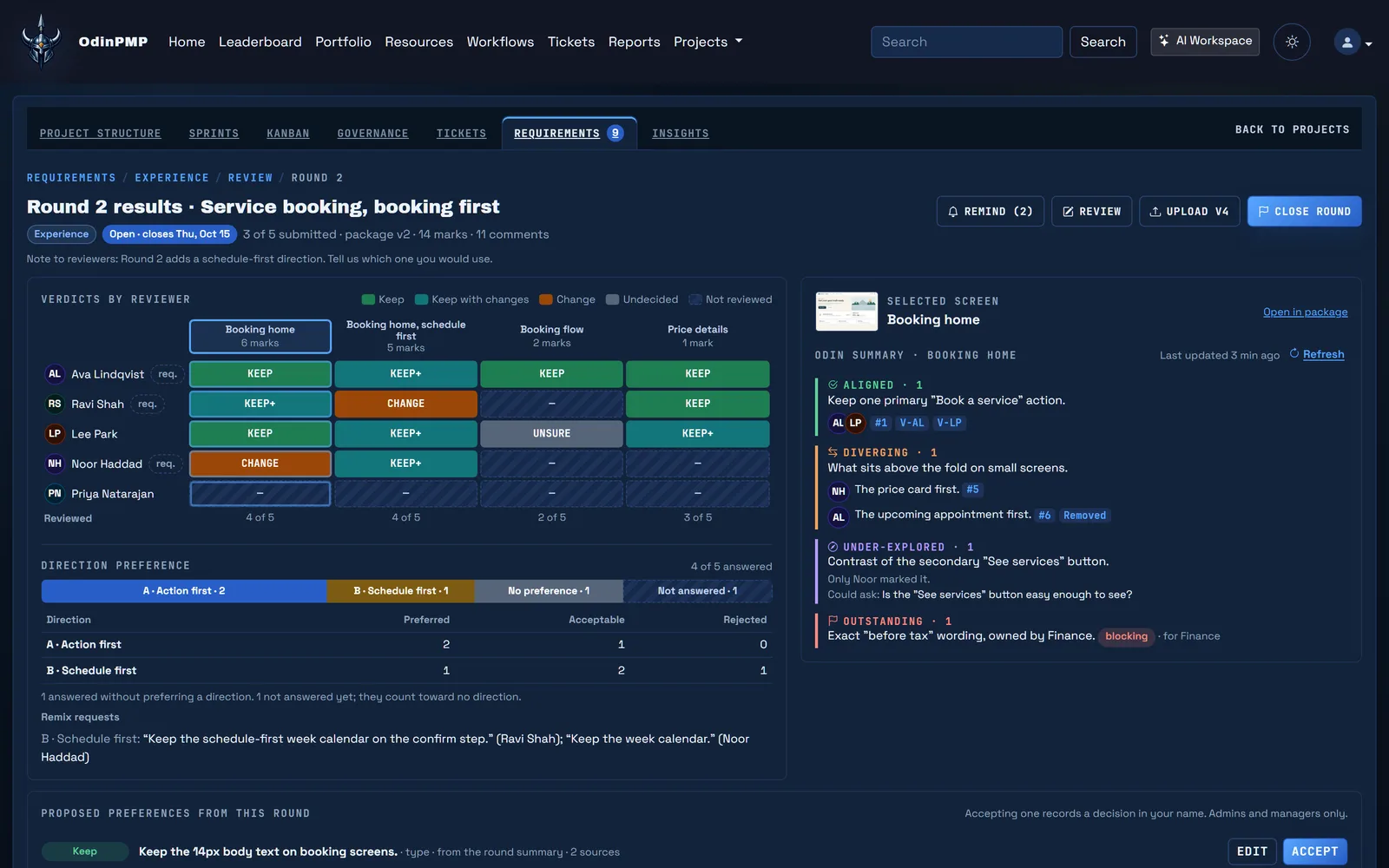
Odin summarizes where reviewers agree and where they differ. People with decision rights record the outcome, and each decision lists the verdicts and comments behind it.

  • Agreed, decided, deferred or superseded
  • Required reviewers, due dates, reminders
  • A verdict grid for every round
Round results show every reviewer's verdict on every screen, and a decision is recorded with its sources.

Step 5: The plan cites the decisions. The board runs on the plan.

Odin drafts a plan whose acceptance criteria name the decisions they come from, then proposes stories for anything not yet covered. Approved work goes into sprints and onto the board.

  • Sprints with capacity and staffing
  • Critical path, float and baselines
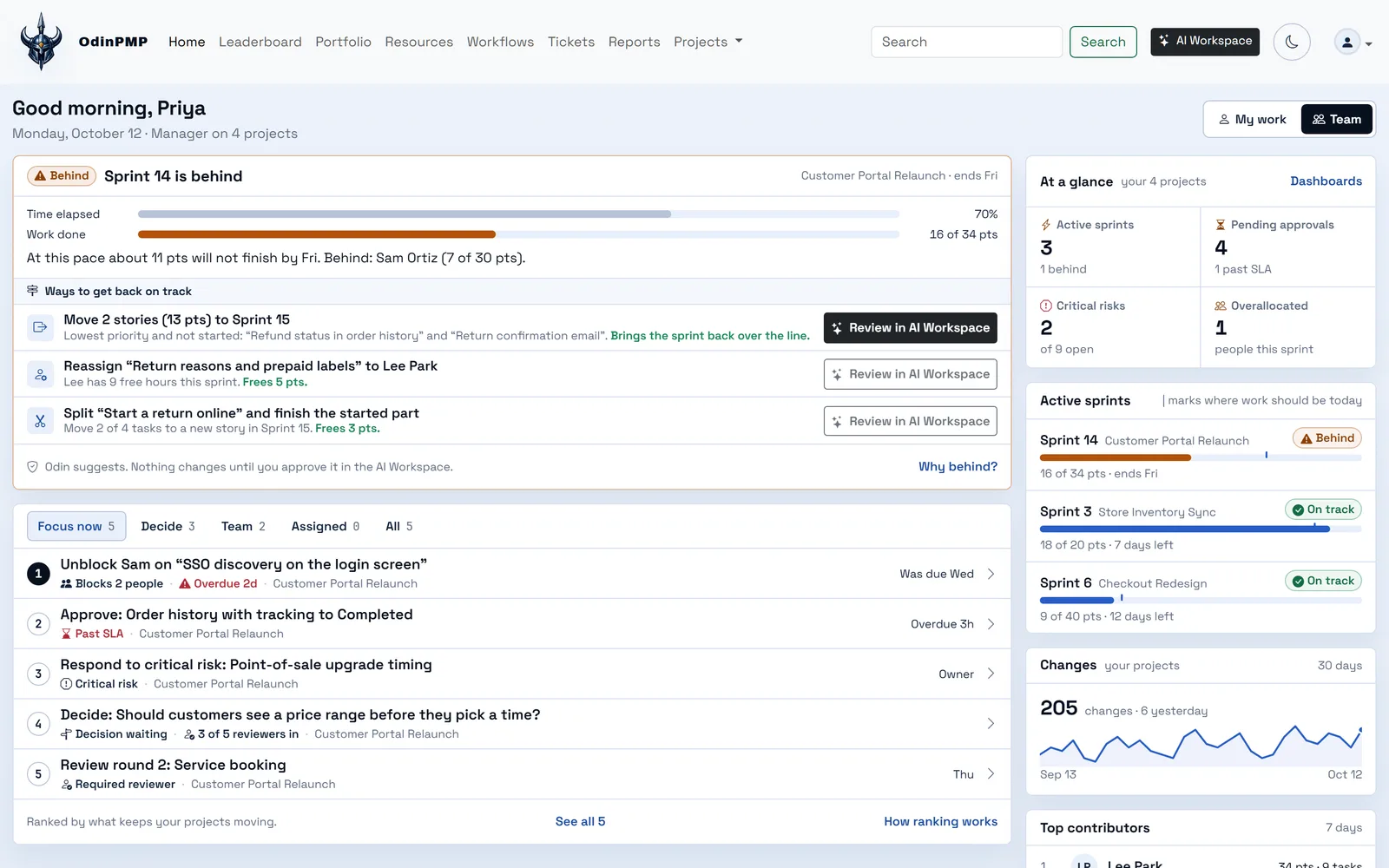
  • Home flags who is behind, with ways back
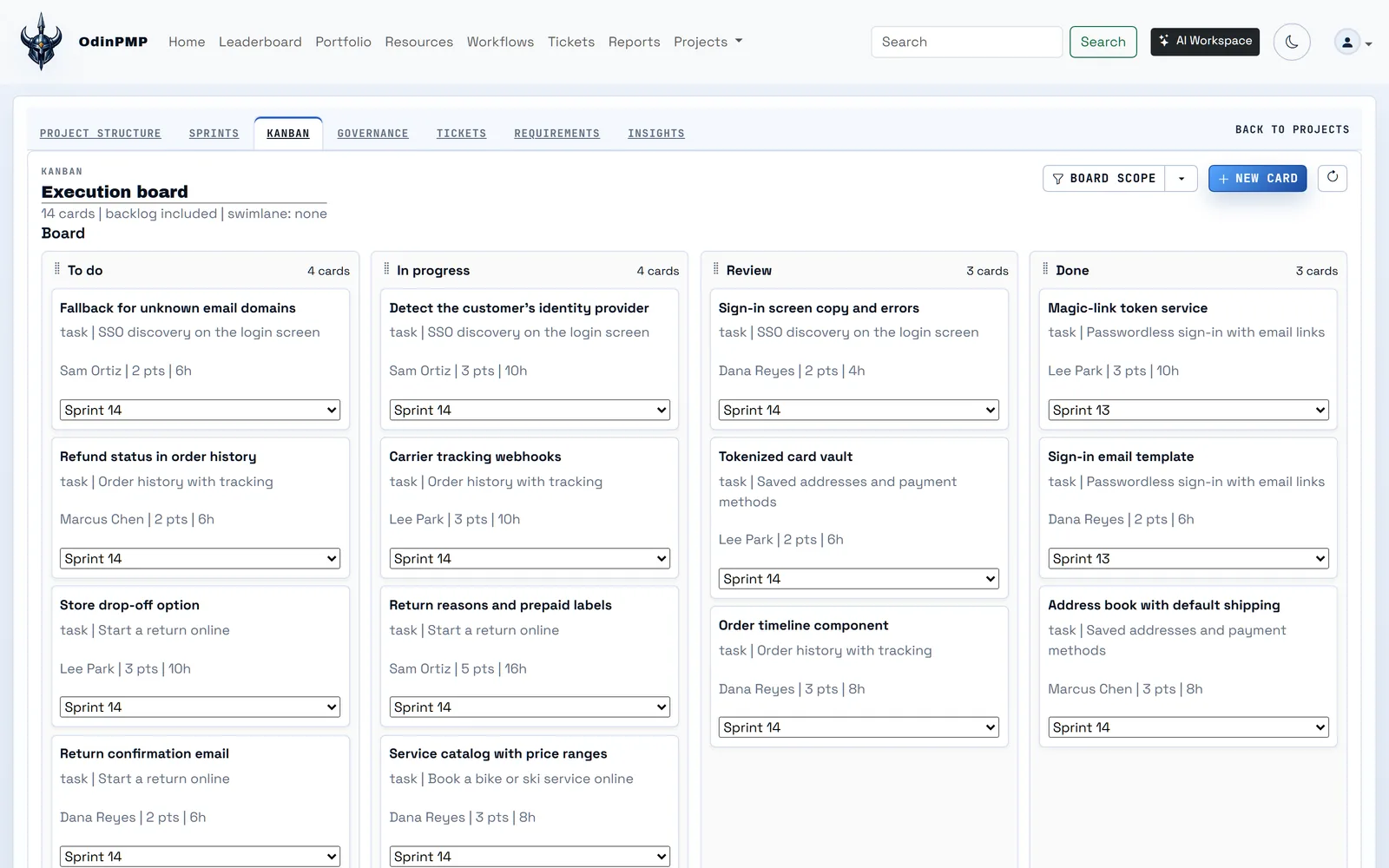
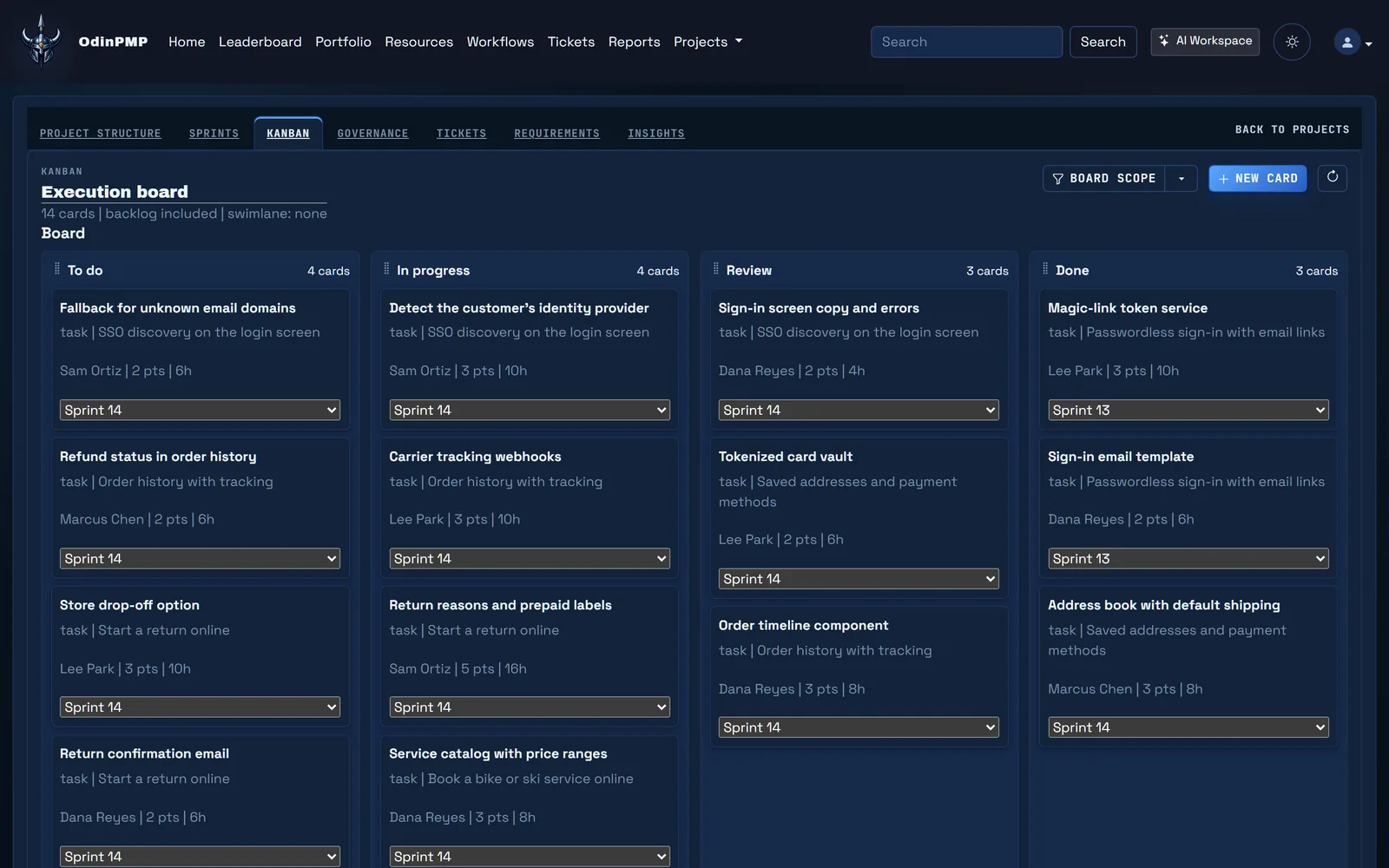
An approved plan, whose acceptance criteria cite decisions, becomes stories on the sprint board.

Step 6: Testers report bugs from the website itself.

One script tag adds Bug Reporter to any site. A report carries the screenshot with the tester's markup, the console and the pages they visited, and it becomes an Odin ticket with the same ID.

  • Up to 5,000 console records
  • The last 200 pages visited
  • Office and PDF files converted for assistants
A tester reports a bug from the live website with an annotated screenshot, the console and the page trail, and it becomes an Odin ticket.

Step 7: FaultLine investigates and opens the fix.

It works in an isolated Git worktree, runs the tests a change of that size needs, and opens a pull request with the evidence. A person merges it, and the reporter gets an email that explains the fix in plain words.

  • By 28 September 2026: 344 incidents, 191 investigations, 103 merged pull requests
  • Repairs Copilot review findings
  • Never merges on its own
FaultLine investigates the bug in an isolated worktree, verifies the fix, opens a pull request and, once a person merges it, emails the reporter.

Ava answered the first question, reviewed the screens and reported the bug. The email about the fix came from the same project, and her next idea starts a new brief.

The real screens.

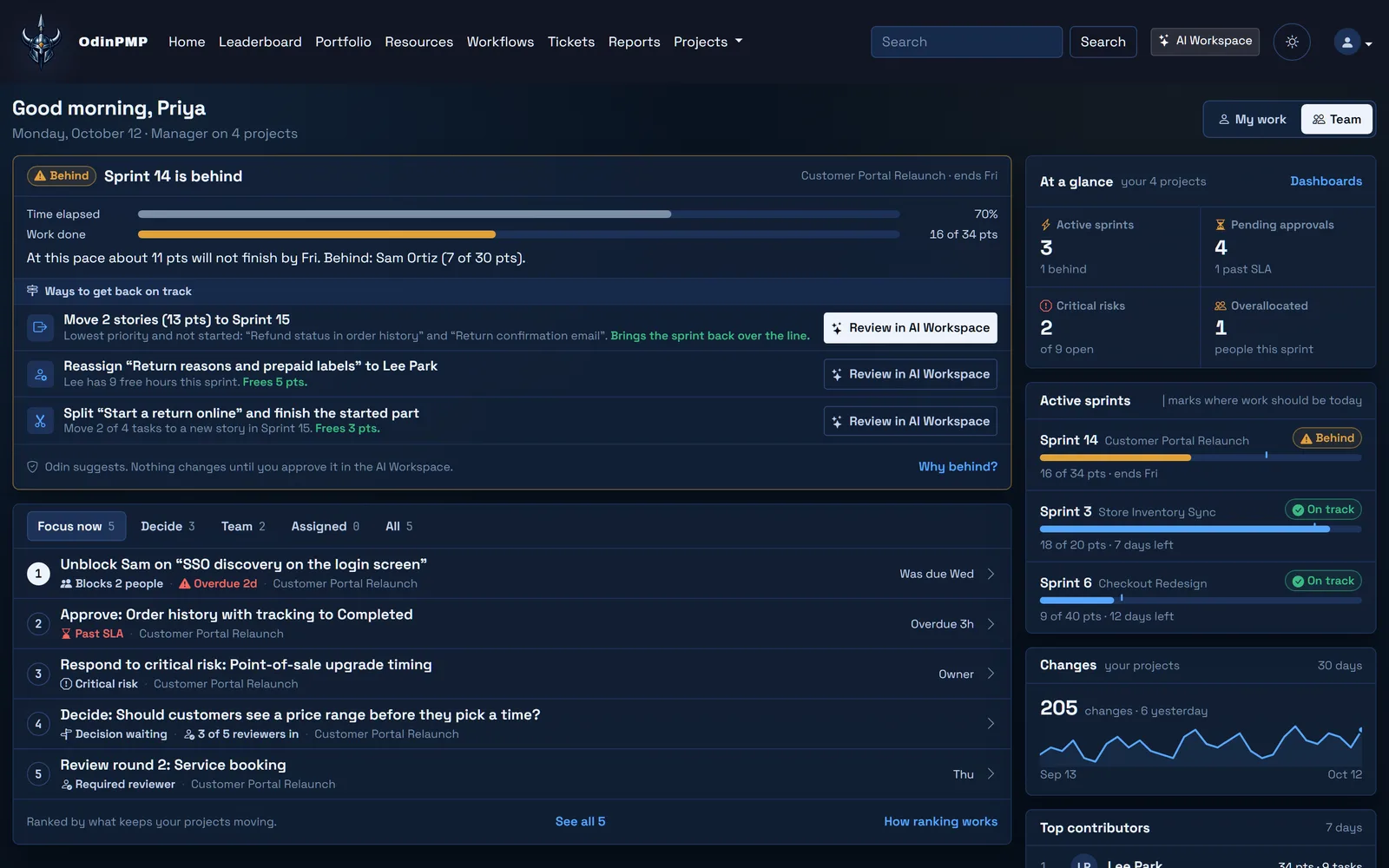
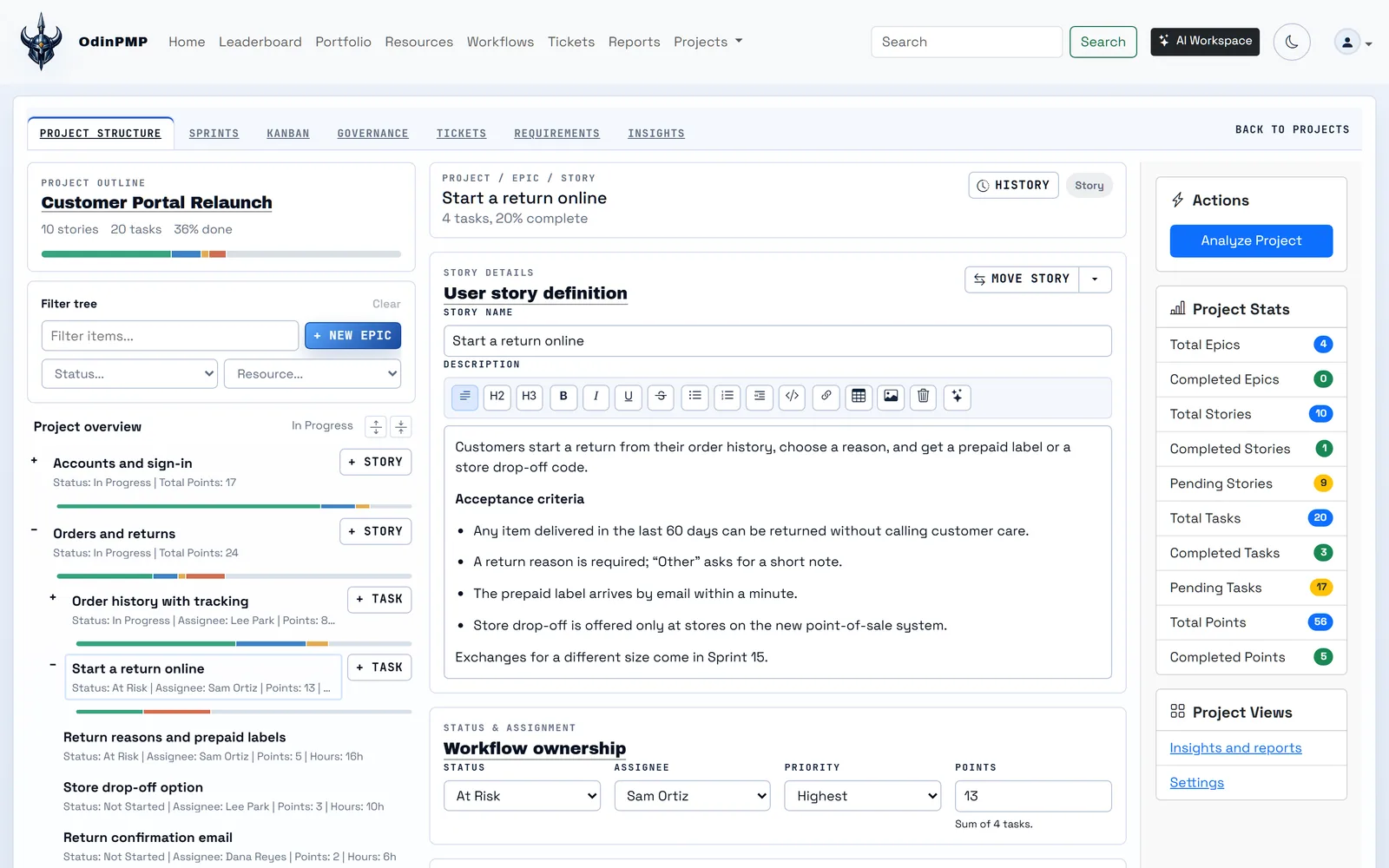
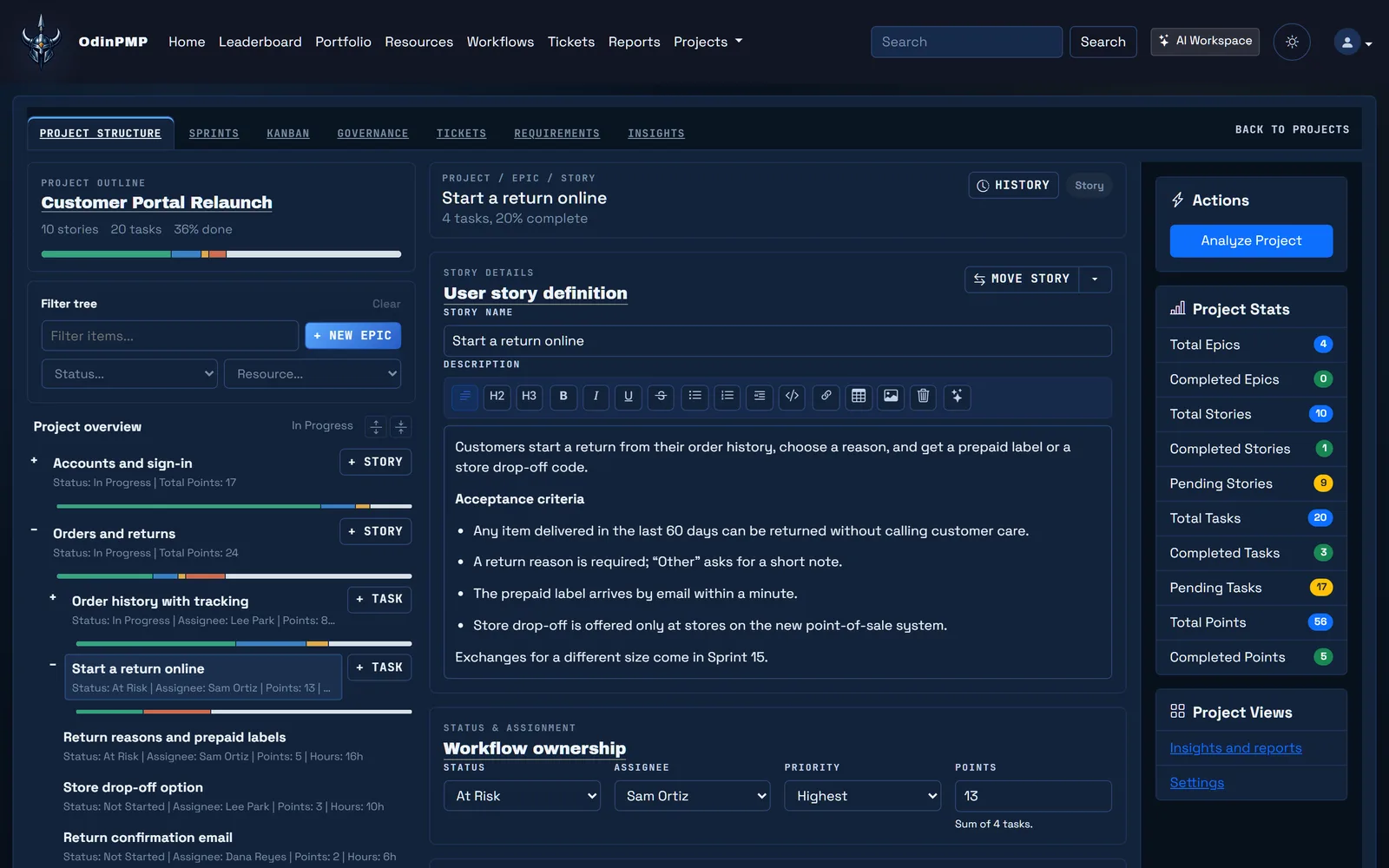
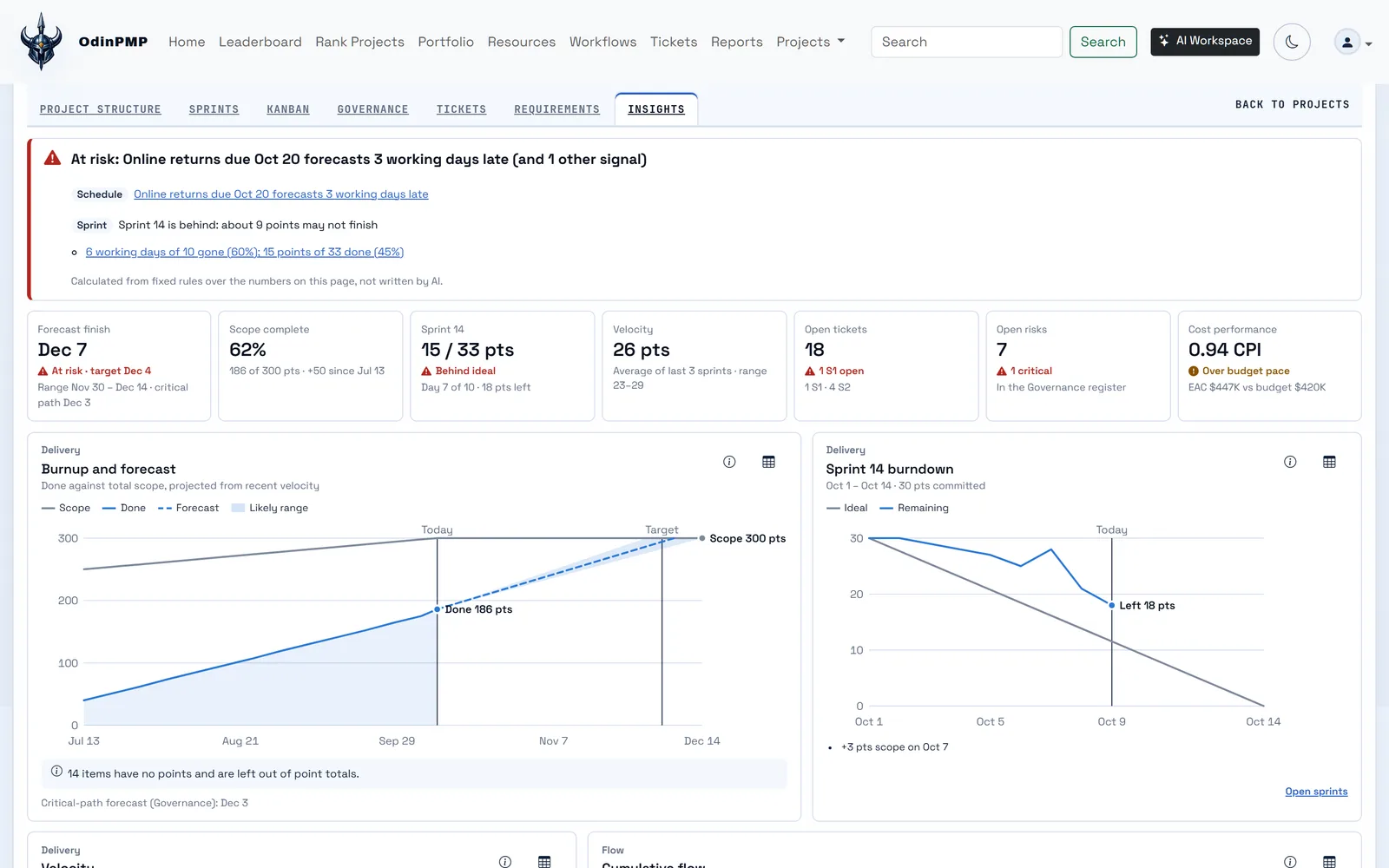
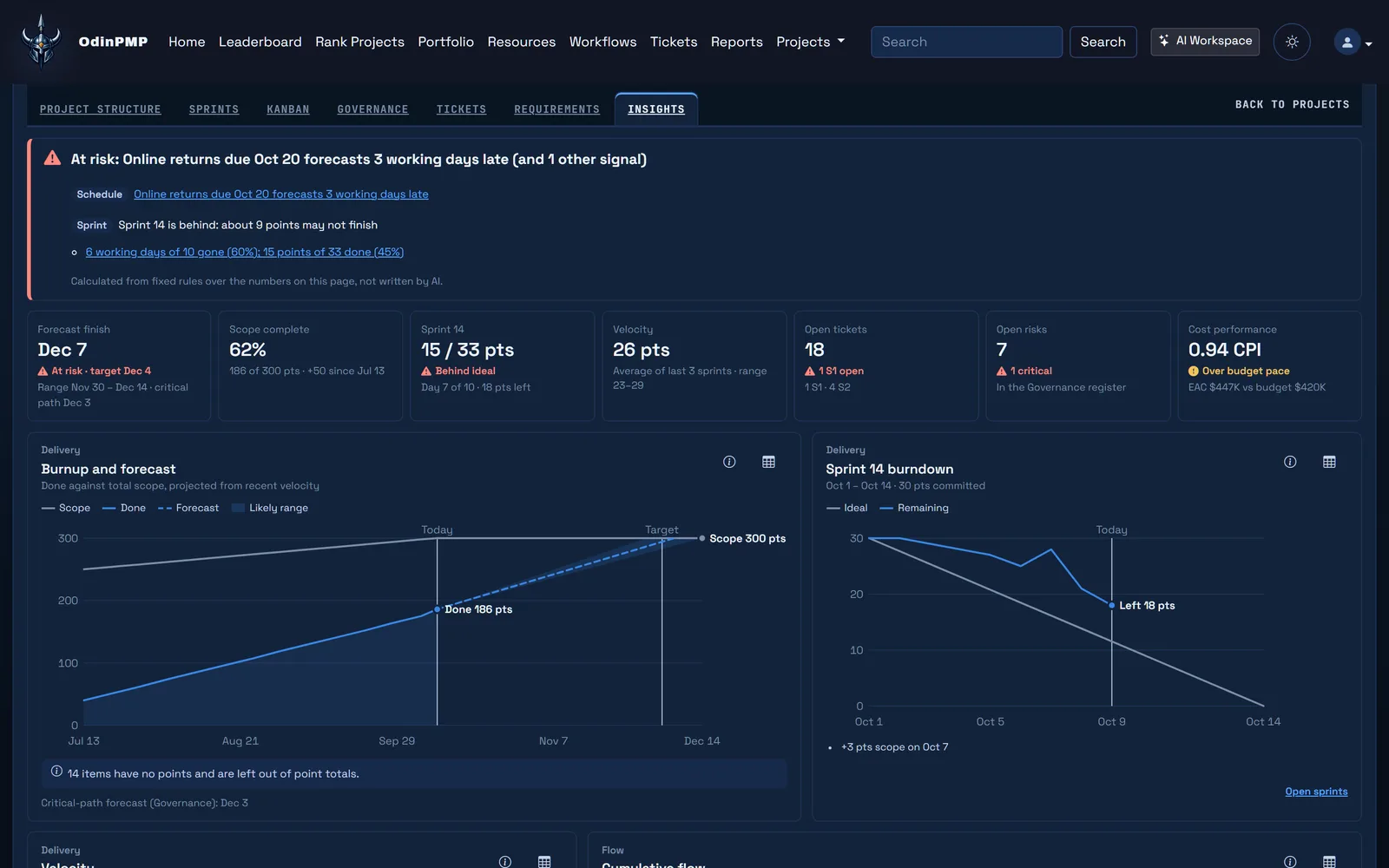
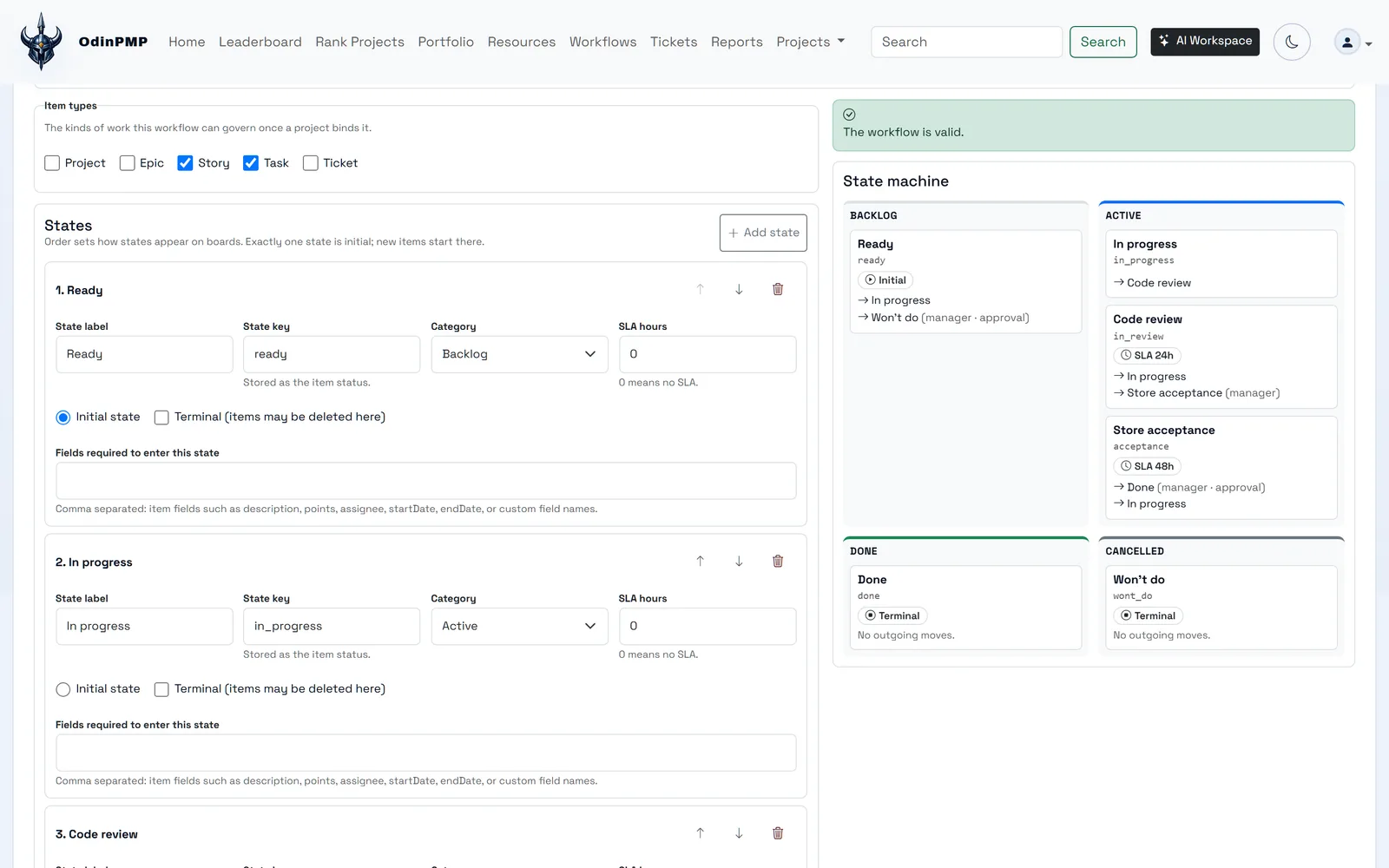
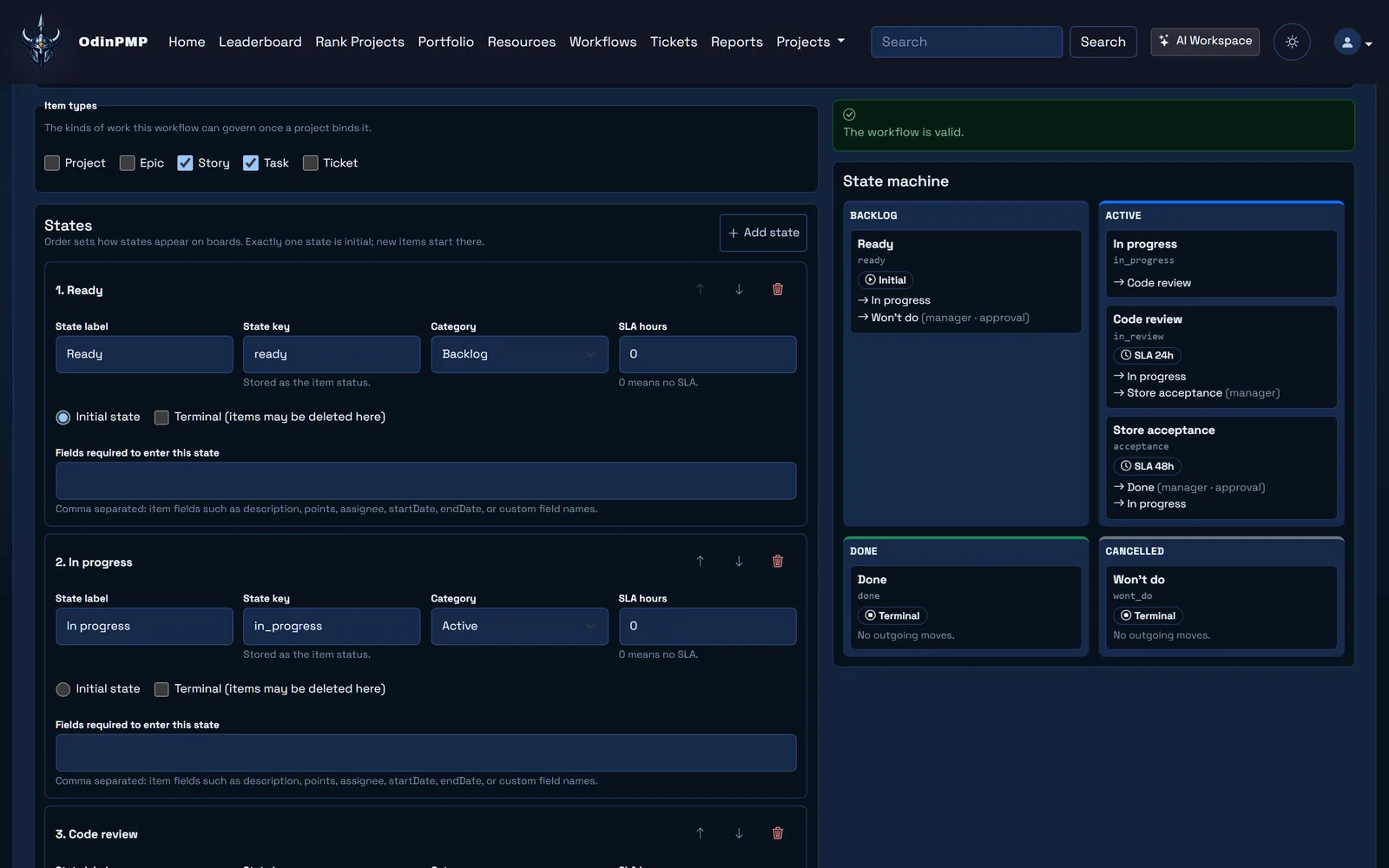
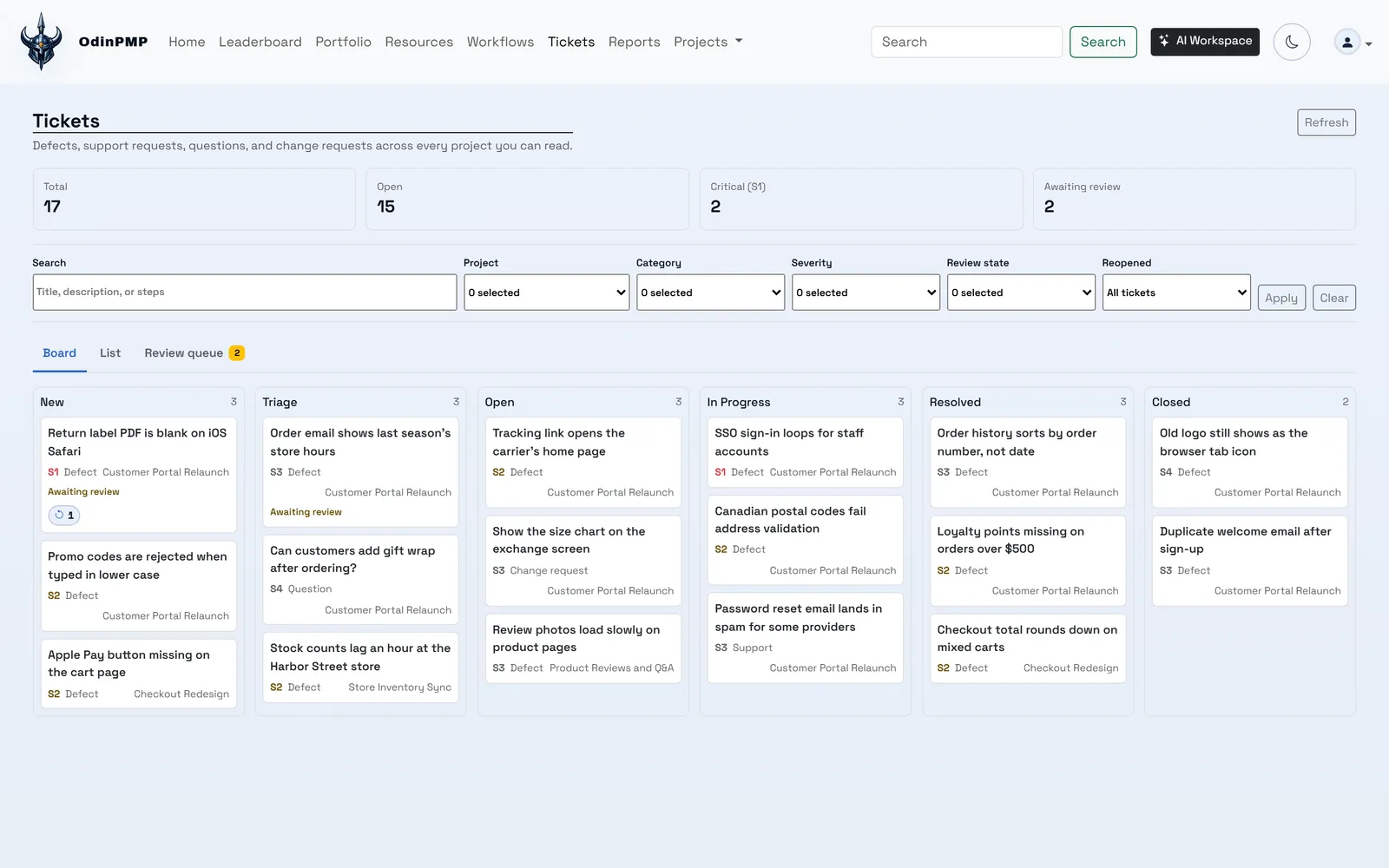
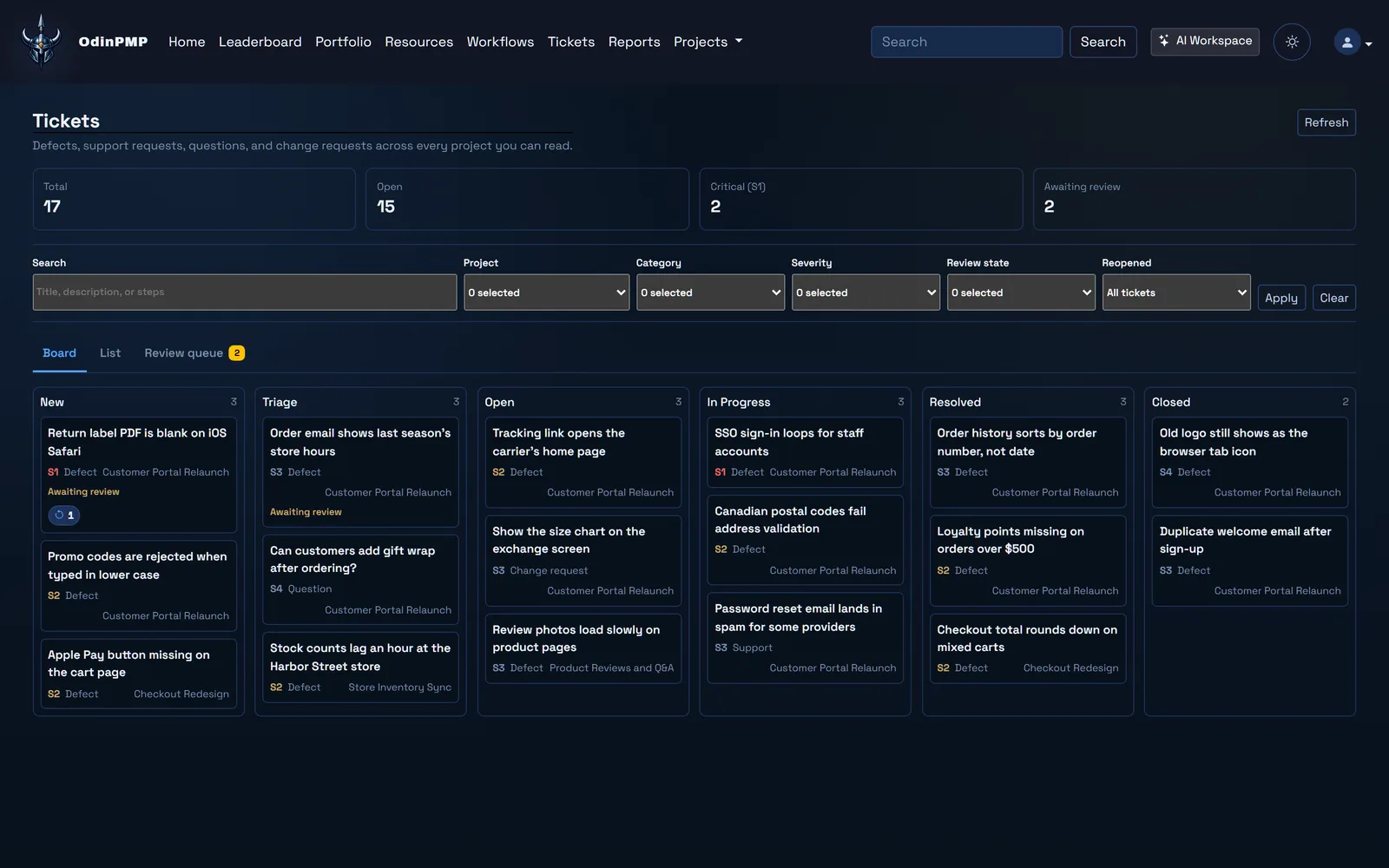
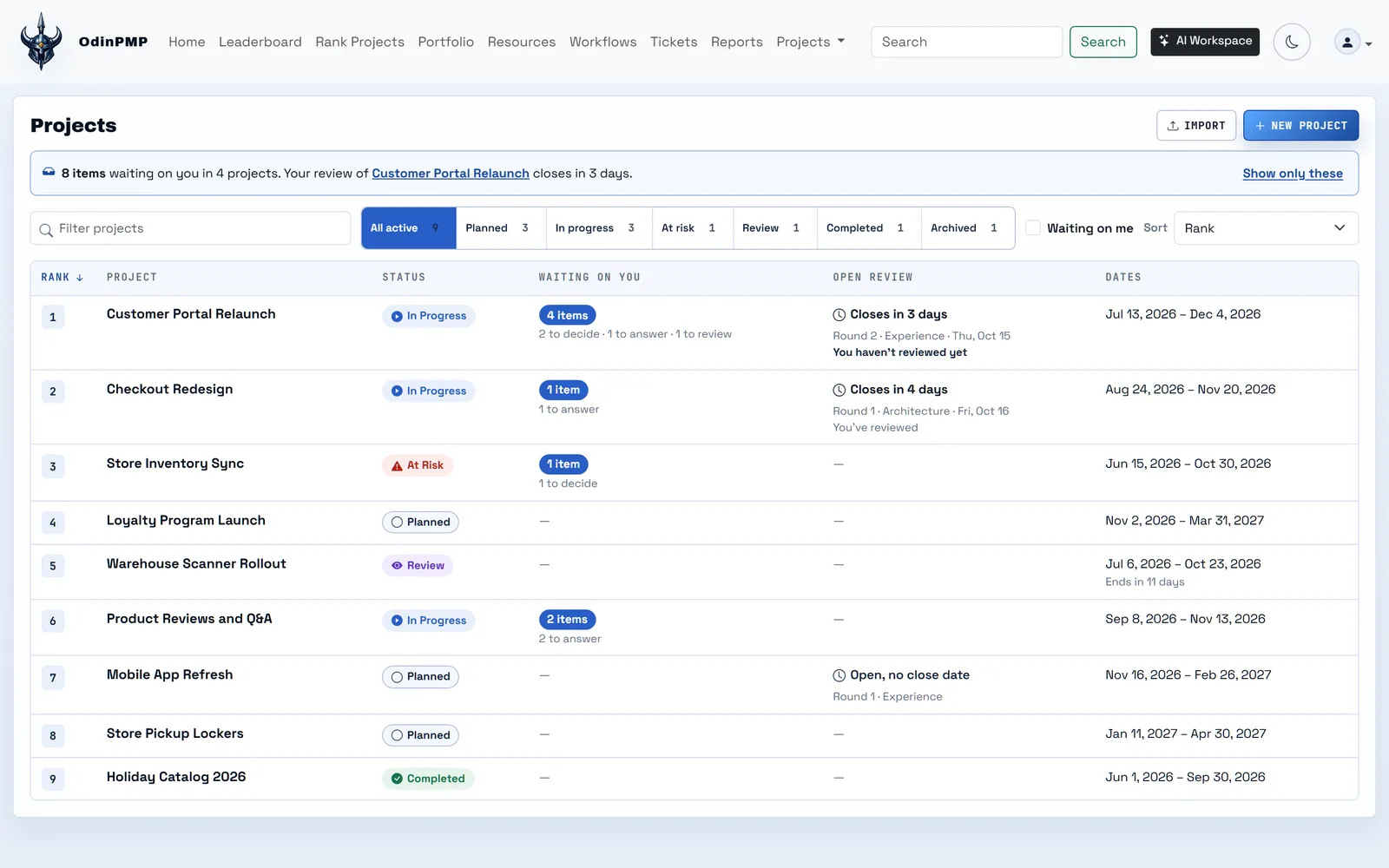
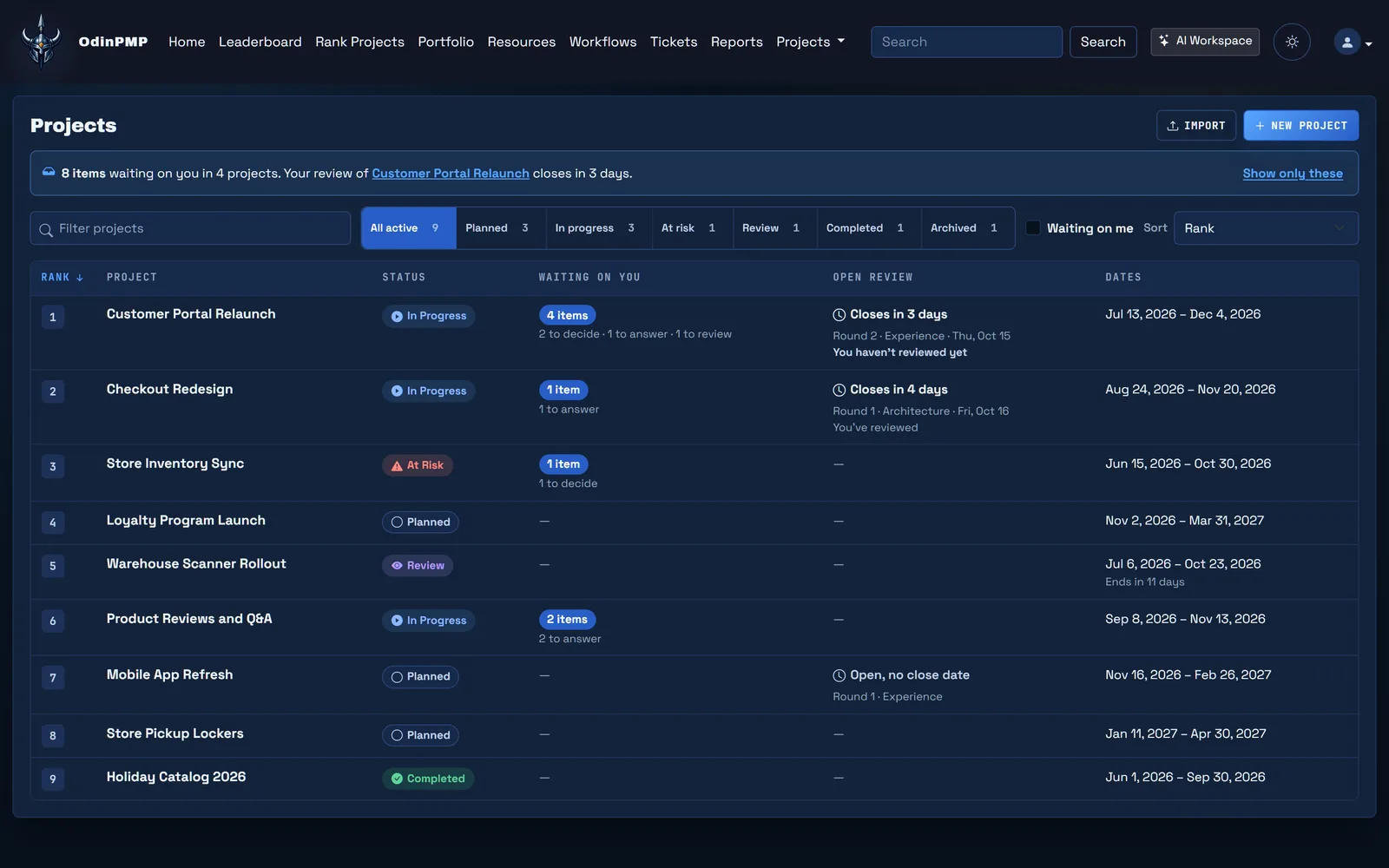
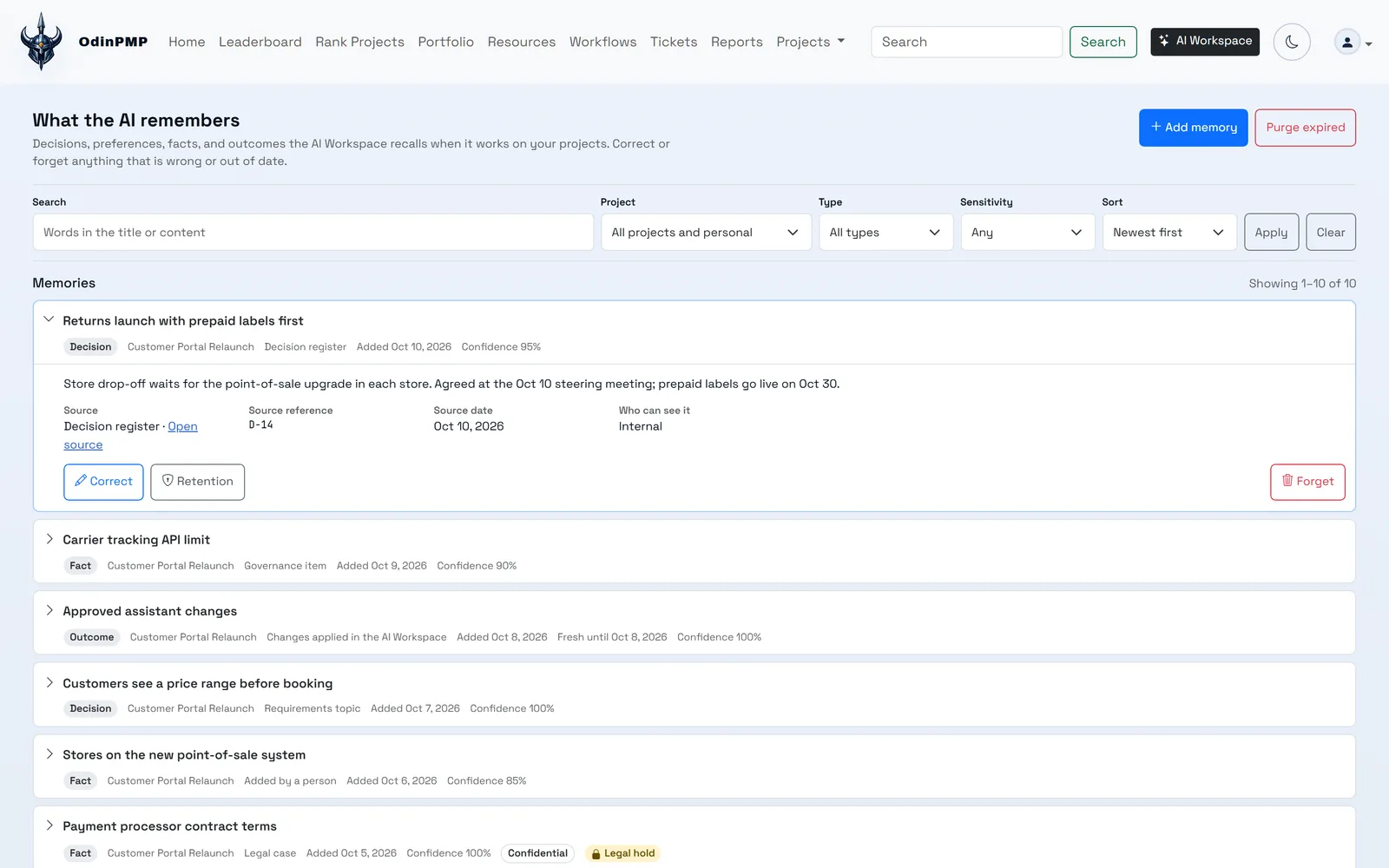
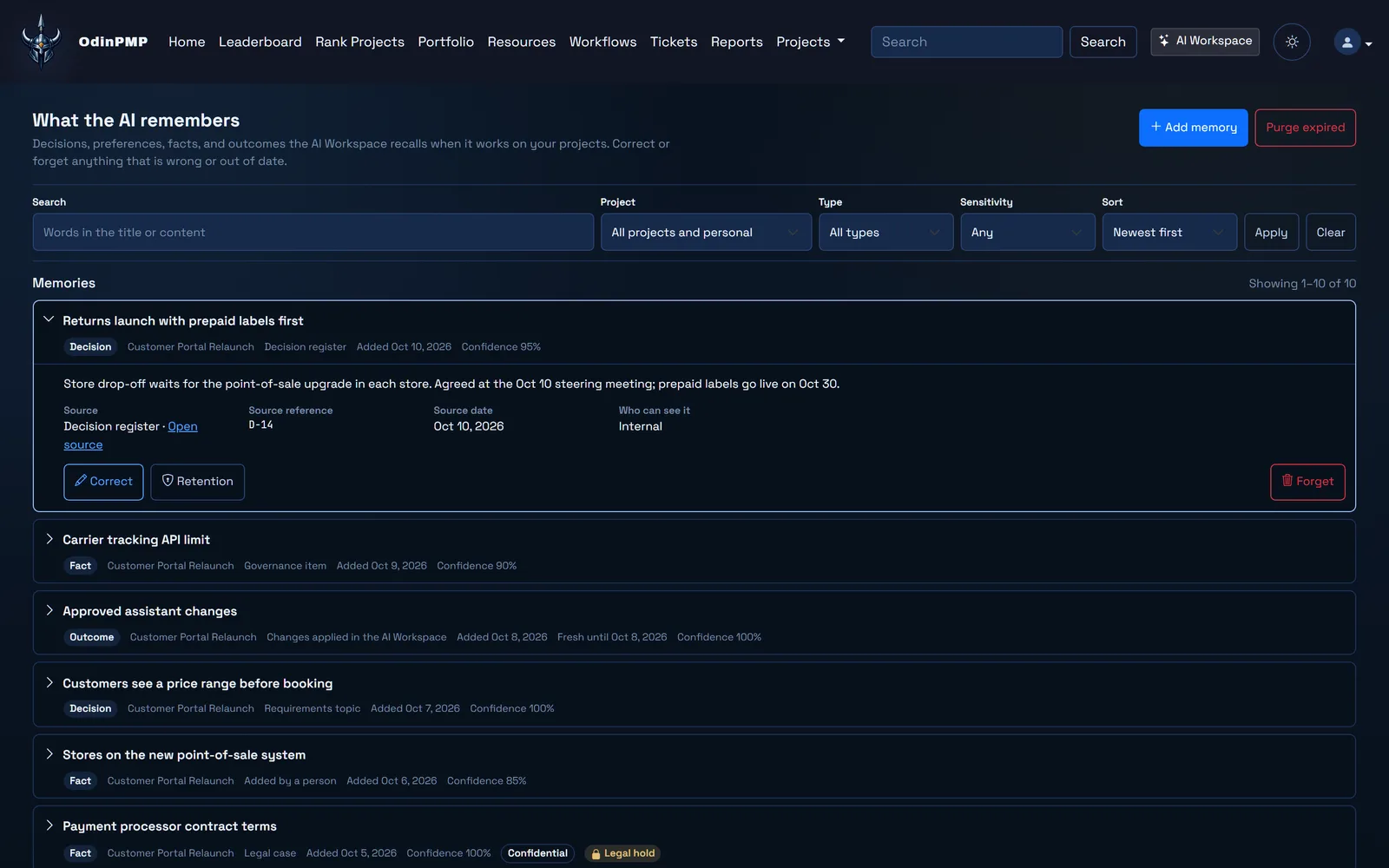
No mock-ups in this part. These are Odin's own screens with sample data, in whichever theme you're using now.

Home ranks what to do first and says why. Here a sprint is behind, and Home offers ways back on track. Home ranks what to do first and says why. Here a sprint is behind, and Home offers ways back on track.

Home ranks what to do first and says why. Here a sprint is behind, and Home offers ways back on track.

Thought and Memory.

In the old stories, Odin kept two ravens, Thought and Memory. Every day they flew over the world and came back with what they had seen. Odin's assistant has the same two jobs.

Thought Huginn

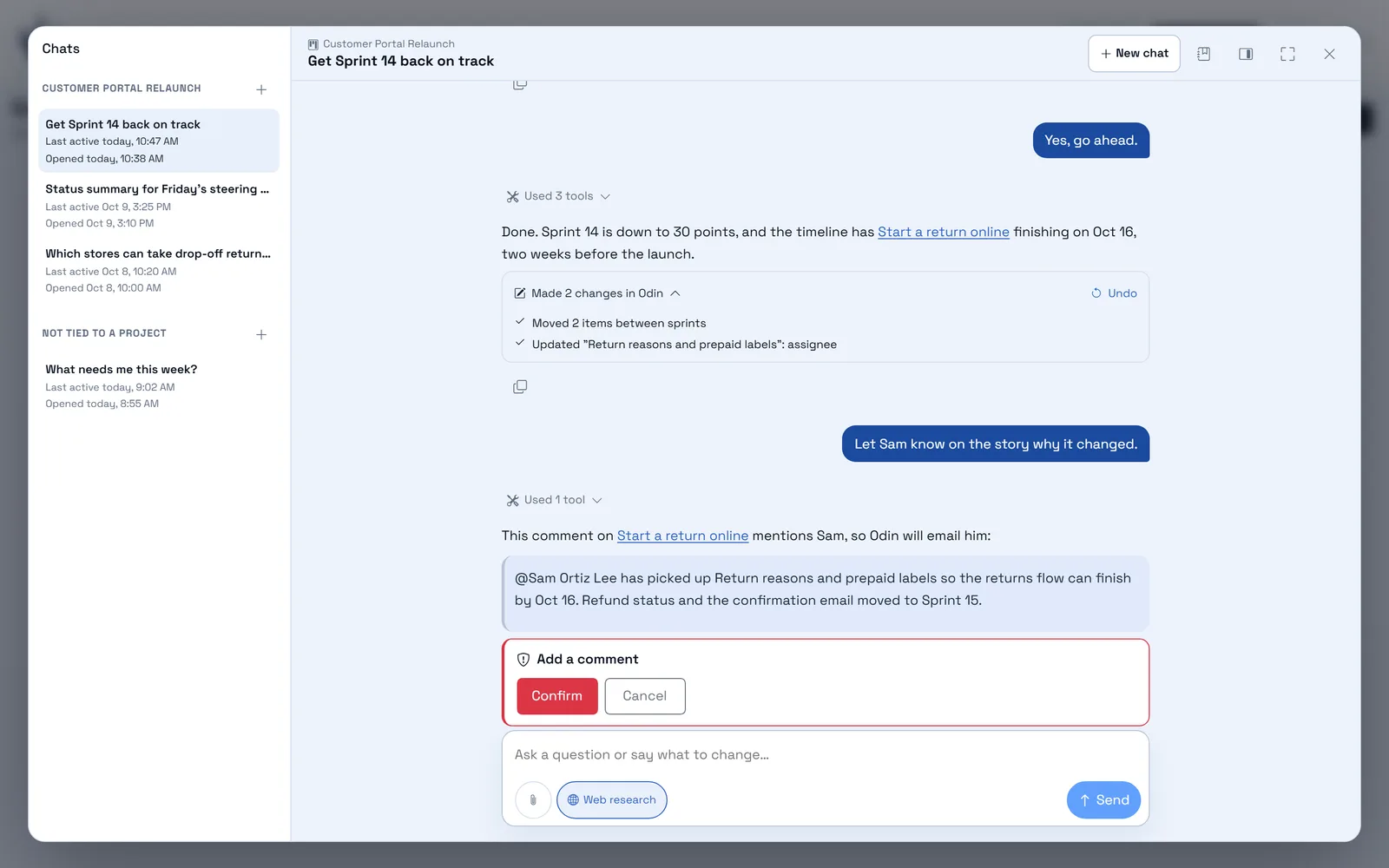
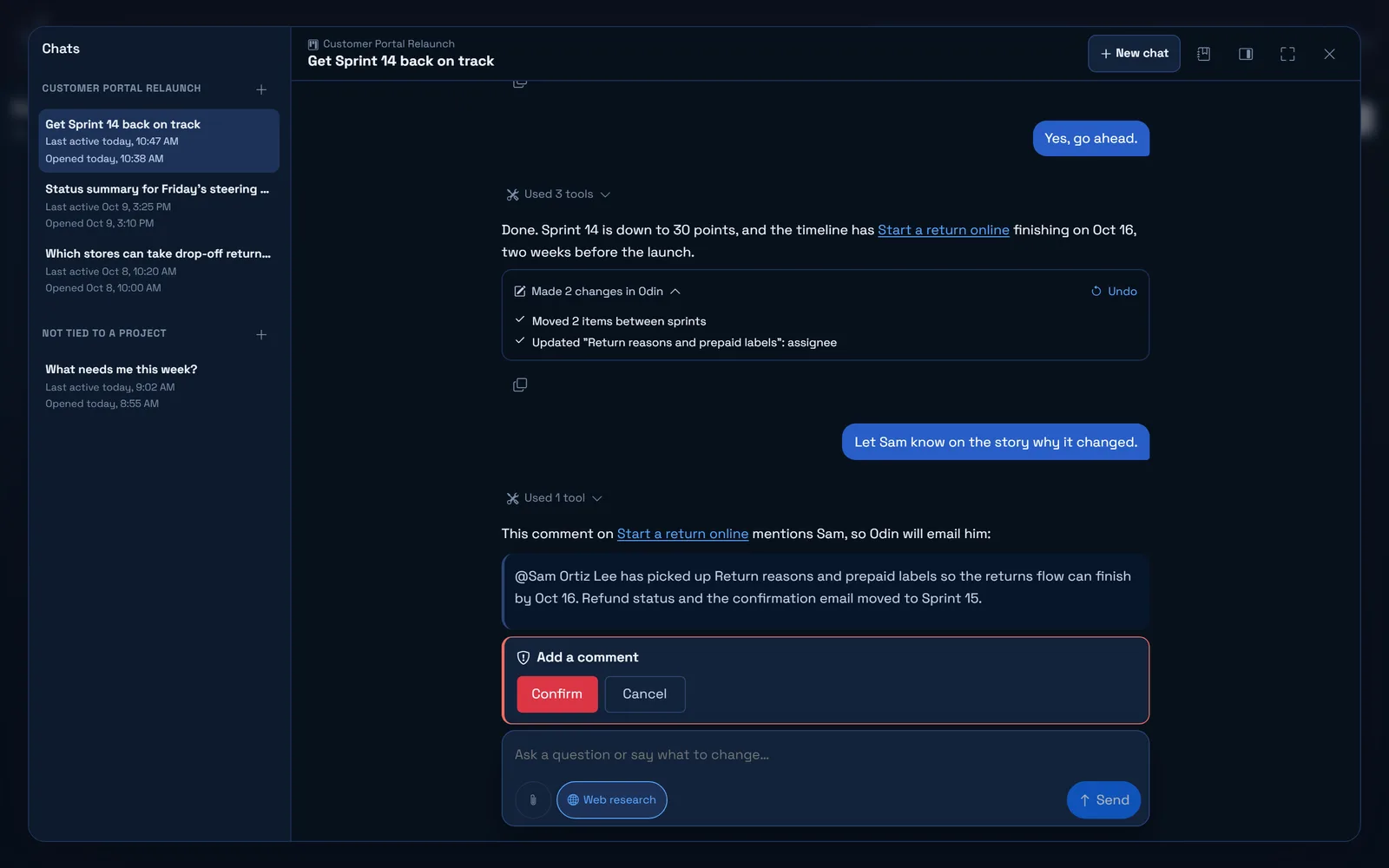
Ask the AI Workspace a question and it answers. If changes would help, it says what it would change and waits for your go-ahead. Tell it to do something and it does it in Odin, as you, with your permissions. It has 128 tools for plans, sprints, tickets, schedules, time, files, requirements and its own memory.

LP

Sprint 15 is slipping. Move what you need to, and let Priya know.

Used 4 tools

Sprint 15 is past halfway with 47% of points done. I moved "Store drop-off without a label" (8 pts) to Sprint 16 and gave "Refund status emails" to Sam, who has 6 free hours; Priya was 4 hours over. My comment for Priya mentions her, so Odin will email her.

Add a comment

The comment waits for you to confirm. The other two changes are already made.

  • Deletes and anything that emails people wait for you to confirm
  • Project-wide changes, such as sprints, dates and the brief, need a project admin or manager
  • Undo reverses a reply's changes where it can, and leaves anything edited since

Memory Muninn

Odin keeps a short summary of every project, epic and story, and a memory of decisions, risks, outcomes and facts that it searches by meaning or keyword. People can add, correct and forget entries.

Try
  • Decision

    D-07: the return reason is optional.

    Round 2 verdicts, topic "Return reasons"

  • Decision

    Customers look orders up by email or phone. The order number is optional.

    Topic answered Oct 2

  • Risk

    Carrier API sandbox is down until Oct 20.

    Raised by Marcus Chen

  • Fact

    Harbor & Pine support is open 8 to 6 Pacific, Monday to Saturday.

    Brief, current state

  • Outcome

    Sprint 14 closed 3 points short. CSV export moved to Sprint 15.

    Sprint 14 review

  • Fact

    Refunds go back to the original payment method.

    Brief, proposed solution 4

  • Workspace admins set expiry and legal holds
  • Each workspace can bring its own OpenAI key
  • Admins pick the assistant's model, and the model and reasoning effort for eight AI helpers

Your agents can work in Odin too.

Odin's MCP server gives ChatGPT, Codex, Claude and other MCP clients 121 tools, 48 that read and 73 that write. They cover projects and the full brief, epics, stories and tasks, the board, sprints, tickets, files, time and staffing, risks and milestones, workflows, comments, requirements feedback and review package uploads.

  • Your login. Clients sign in through Odin, with MFA and SSO. ChatGPT, Codex and Claude need no client ID; an admin registers any other client once.
  • Your scope. You approve read or read-and-write access, and can limit it to the projects you choose.
  • Safe writes. Every write supports a dry run. An edit to a project, a single item or the brief carries the version it read, and Odin refuses it if someone changed the record since.

Report a bug on this page.

Bug Reporter adds a bug button to any website with one script tag. This page has one. Mark up what you see and follow the report to the fix. It's a demo, so nothing leaves your browser.

  • Desktop Chrome and Edge capture the tab directly. Safari, Firefox and phones re-render the page.
  • Testers connect once with their Odin sign-in or an emailed one-time key.
  • Reporters can reply to a receipt or update email, and the reply lands on the report.

What a report from you would carry right now

Page trail 0

    Console 0

      This is your real visit to this page. A report would also carry the screenshot, your markup and any files you attach.

      Everything around the loop.

      The loop runs on a full delivery platform, so portfolio, people and money live with the work instead of in another tool.

      Every change leaves a record.

      Odin keeps an append-only audit trail and writes hash-chained exports to S3 under Object Lock. Each day's export includes the fingerprint of the one before, so editing any entry breaks every link after it. Try it: change an entry below.

      All five exports verify.

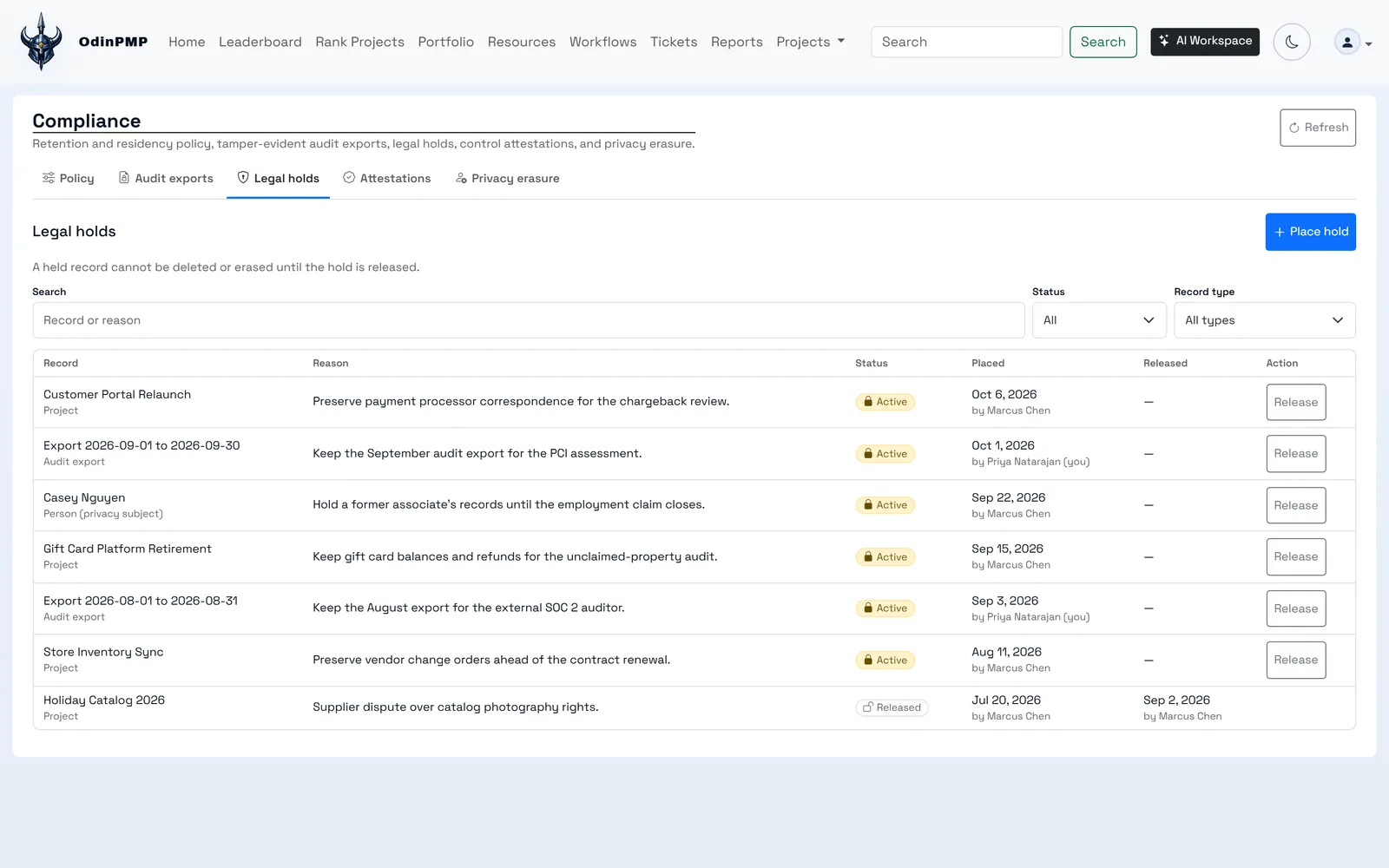
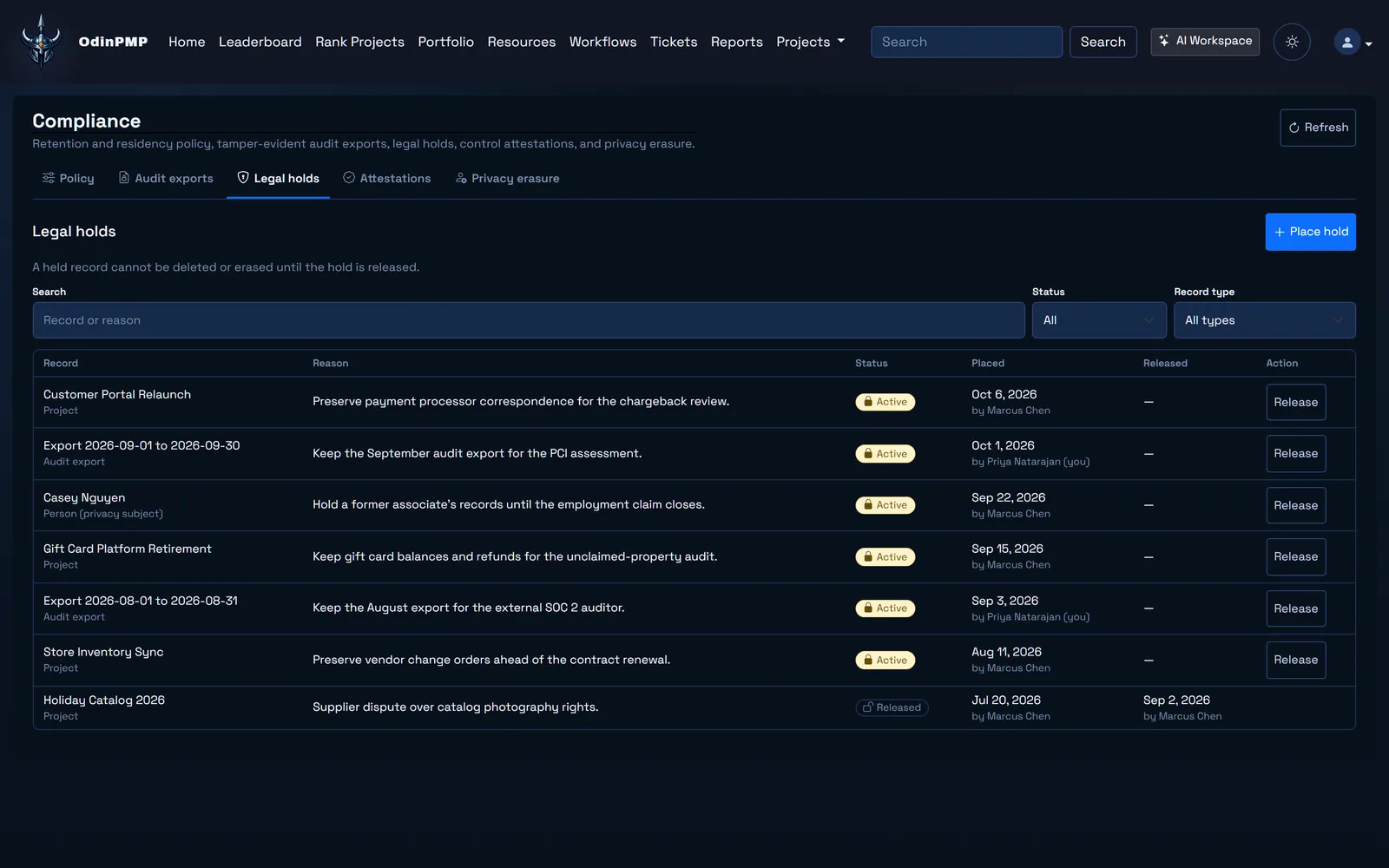
      Legal holds
      block deletion of projects, items and AI memory, by people and by the assistant.
      Privacy erasure
      needs two admins to approve, and reaches connected systems too.
      Retention and data region
      are set as policy, with an audit feed for SIEM tools.
      Sign-in
      with a password and two-factor, Google, or SSO over OIDC or SAML. SCIM 2.0 provisions users and groups.
      Impersonation
      needs a second admin's approval, and break-glass emergency access has its own policy.
      Files
      are virus-scanned with ClamAV and stored in S3.
      Review prototypes
      run on a separate sandboxed host with signed per-viewer access and no cookies.
      FaultLine
      keeps organizations apart with row-level security in PostgreSQL, and never merges code itself.

      Bring us your next project.

      Tell us what you build and who you build it with. Someone on the team reads every request.